
Best Zoom Alternatives in 2026: 6 Better Options for Meetings and Webinars

Taru
26 mars 2026 - 10 min

Zoom is still one of the most recognizable names in video communication, and for a lot of (marketing) teams that makes it the default choice. The problem is that “popular” and “best fit” are not the same thing. What works well for quick internal meetings does not always work well for customer webinars, large-scale virtual events, lead generation, or branded sessions that need to feel polished from registration to replay.
That is exactly why more companies are comparing Zoom alternatives more seriously now. Zoom has expanded its webinar and event offering with branding, analytics, production tools, simulive formats, and event experiences that can scale from simple sessions to much larger virtual programs. At the same time, competitors have become more specialized, which means buyers now have clearer options depending on whether they care most about simplicity, webinar marketing, browser-based access, enterprise governance, or built-in AI features.
The best Zoom alternative depends on one thing above all: what kind of experience you are actually trying to create. If you mainly run internal meetings, your shortlist will look very different from the shortlist of a marketing team running lead-generating webinars, or a customer education team that wants automated sessions and on-demand content. That is where many comparison articles go wrong: they compare tools as if every buyer has the same use case, when in reality the gap between “meeting software” and “webinar software” matters a lot.
In this guide, we’ll look at the best Zoom alternatives for different situations, including free Zoom alternatives, enterprise-ready options, and the strongest choice if webinars are central to your strategy.
Why people look for Zoom alternatives
Most businesses do not start looking for an alternative because Zoom has suddenly stopped working. They start looking because their needs have changed.
A team that began with simple video calls may now need branded registration pages, automated webinars, replay options, deeper analytics, or a better attendee experience. Once those needs become important, a meeting-first platform can start to feel limiting.
That is especially true when webinars become part of your marketing, onboarding, or customer education strategy. At that point, you are no longer just choosing a video platform. You are choosing a platform that shapes the full experience before, during, and after the event.
The best Zoom alternatives
Before jumping into the list, it helps to know what actually matters.
If you mainly run internal meetings, you will probably care most about reliability, ease of use, integrations, and note-taking features. f you run webinars, your checklist changes. Then things like registration flows, reminder emails, branding, audience interaction, replay options, automation, and reporting become much more important.
1. WebinarGeek
WebinarGeek is the best Zoom alternative for teams that care about webinars as a serious business channel rather than an occasional add-on. Instead of starting with meetings and extending into webinars later, WebinarGeek is built specifically for webinar use cases, which makes it a stronger fit for marketing teams, customer success teams, educators, and SaaS companies that want to turn webinars into a repeatable part of their growth strategy.
A big advantage is flexibility. You can run live webinars, automated webinars, and on-demand webinars, which gives you much more room to scale your content instead of relying only on one-time live sessions. That is especially useful when you want to reuse strong-performing webinars for lead generation, product education, or evergreen onboarding.
Pros
Built specifically for webinars, not just meetings
Supports live, automated, and on-demand webinars
Strong fit for lead generation, training, and customer education
Browser-based experience with no software download for attendees
Helps teams get more long-term value from webinar content
Cons
Less suited for businesses that only need quick internal meetings
More webinar-focused than collaboration-focused
Best choice if you want
A platform that helps you run webinars that do more than just go live once.
2. Microsoft Teams
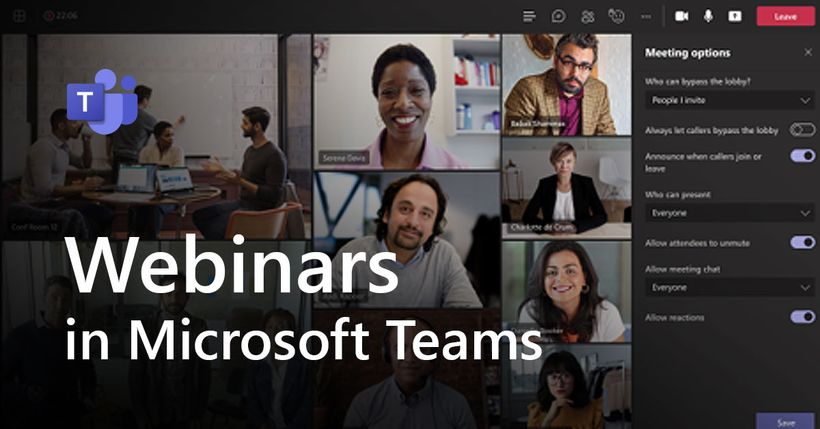
Microsoft Teams is a logical Zoom alternative for organizations that already use Microsoft 365 across the business. Because teams are often already working in Outlook, Teams, and the wider Microsoft environment, adoption tends to be straightforward and IT teams usually appreciate the centralized control.
Teams webinars are a good fit for structured business events, especially when internal alignment and governance matter. It can work well for corporate communications, internal presentations, and formal webinar setups where consistency matters more than marketing flexibility.
Pros
Strong fit for companies already using Microsoft 365
Good administrative control and enterprise readiness
Useful for structured business webinars and presentations
Cons
Less specialized for marketing-led webinar funnels
External webinar experiences can feel more functional than polished
Not the strongest option for automated webinar strategies
Best choice if you want
Familiar setup, despite the fact it's mainly built for meetings rather than webinars.
3. Google Meet
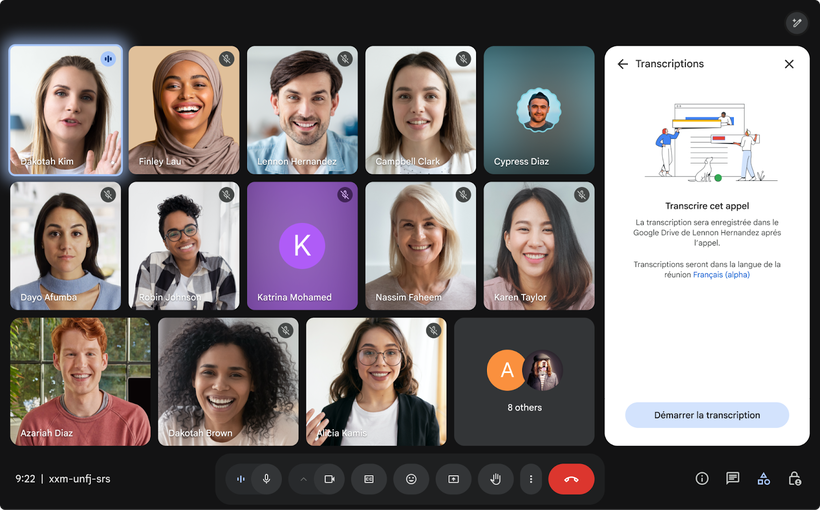
Similar to Teams, Google Meet is a good Zoom alternatives for teams that want a simple and familiar way to host video calls. It works particularly well for businesses already using Gmail, Google Calendar, and Google Workspace, because the whole experience feels lightweight and easy to manage.
It is a strong choice for internal collaboration, client calls, and quick meetings where you do not need advanced webinar workflows. For businesses that want to keep things simple, that can be exactly the right decision.
Pros
Easy to use and widely familiar
Strong option for free or low-friction meetings
Works well inside Google Workspace
Cons
Primarily meeting-focused, not webinar-focused
Limited fit for lead generation webinars
Less suitable for branded event experiences and automation
Best choice if you want
A simple, accessible alternative for day-to-day meetings.
4. Webex
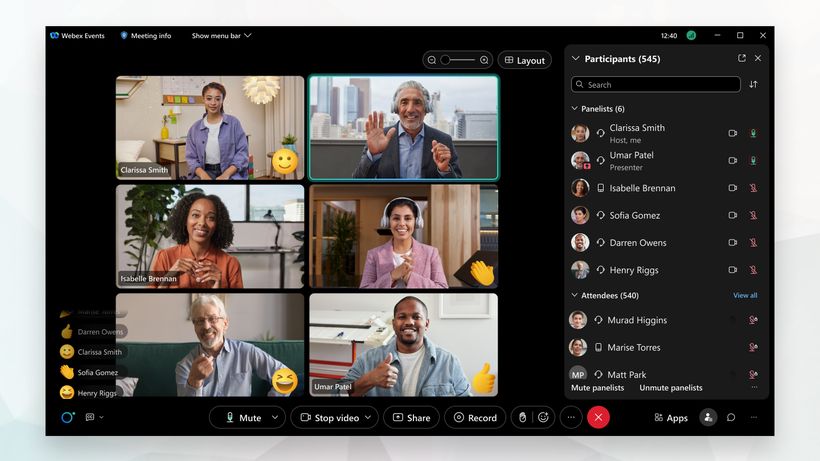
Webex is a Zoom alternative for larger organizations that need scale, governance, and advanced event control. It has long been positioned toward enterprise use cases, and that shows in how it handles large audiences, security expectations, and more formal webinar delivery.
This is a platform that makes the most sense when you are organizing bigger, more complex events and need confidence that the infrastructure can support them. It is less about simplicity and more about capability.
Pros
Strong enterprise credentials
Advanced control and moderation features
Suitable for organizations with formal procurement and compliance needs
Cons
Can feel heavier than necessary for smaller teams
Less intuitive for teams wanting a fast, modern setup
Often more platform than small businesses actually need
Best choice if you want
An enterprise-grade platform for large or complex webinars.
5. Livestorm
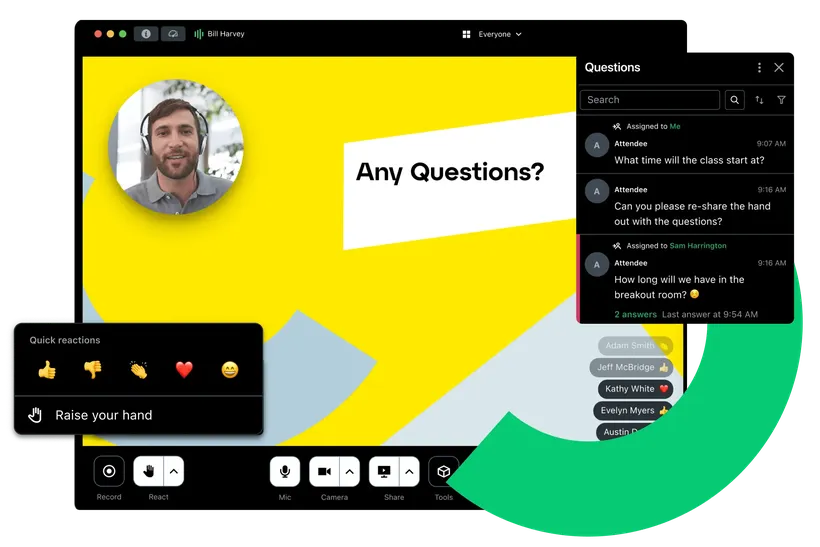
Livestorm stands out by focusing heavily on browser-based events and a modern experience for both hosts and attendees. That makes it especially attractive for businesses that want a polished external-facing platform without asking users to install anything.
It is often a good fit for marketing teams, customer teams, and growing companies that care about ease of use, event branding, and reducing friction during sign-up and attendance.
Pros
Browser-based experience for hosts and attendees
Good fit for online events
Strong focus on external attendee experience
Cons
Less ideal if your main use case is internal collaboration
Webinar functionality may be more important than you need for basic meetings
Pricing can feel less attractive if your webinar strategy is still small
Best choice if you want
A browser-first alternative to Zoom with a modern event experience.

6. GoTo Webinar
GoTo Webinar is a well-known option for companies that want a dedicated webinar platform with a long track record. It is designed more for formal webinar execution than for lightweight meetings, which makes it a better comparison for webinar use cases than for basic team calls.
For businesses running recurring webinars, educational sessions, or more traditional event programs, it remains a credible option.
Pros
Good fit for recurring webinar programs
Mature platform with familiar workflows
Better suited to formal webinars than general video meetings
Cons
Can feel more traditional than newer competitors
Less flexible and modern-feeling than some browser-first tools
Not the strongest choice for teams wanting a lighter, more intuitive experience
Best choice if you want
A stable, webinar-focused platform with a long history in the market.
Final thoughts
Choosing between Zoom alternatives becomes much easier when you stop thinking in terms of popularity and start thinking in terms of fit. Some platforms are a better fit for day-to-day meetings, while others are designed for larger organizations, more structured events, or webinar strategies tied directly to growth.
That is where WebinarGeek stands out. If webinars are part of your business strategy rather than just another communication format, a webinar-first platform gives you more control, more flexibility, and more value from every session you create.
Explore hosting automated webinars today
Start free trialArticles connexes

Complete Guide to Webinar Software in 2026
Discover the best webinar software in 2026 with our detailed guide. Learn key features, tips for success, and find the right platform for you.

Best HubSpot Webinar Integration: 2026 Comparison
Compare the best HubSpot webinar integrations for 2026, focusing on native vs. third-party connections and the impact on business results.

Browser-Based Webinar Platforms Compared
Explore and compare the top browser-based webinar platforms, including WebinarGeek, Zoom, and more.