
Product Update: Channels, audio notifications, captions and more

Caroline
26 de marzo de 2026 - 3 min
This month’s updates are all about creating a more connected webinar experience. We’ve linked channels and registration pages, added new ways to keep your team aligned, and introduced features that help you improve engagement and accessibility.
Here’s what’s new.
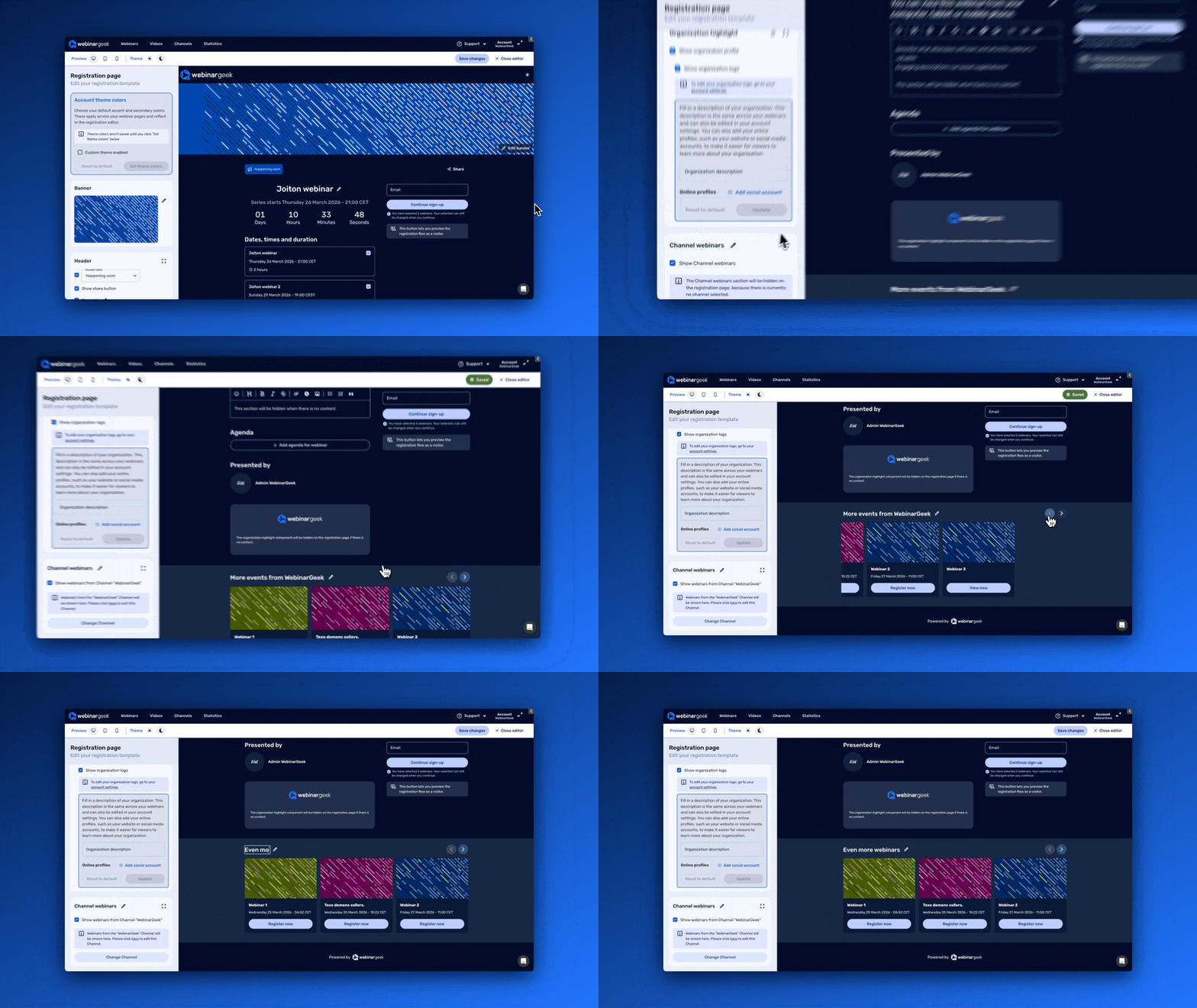
Channels and registration pages now work together
Channels and registration pages are now connected. You can now showcase your channel and channel webinars directly on your registration page, making it easier for visitors to discover more of your content while they sign up.
Instead of promoting just one webinar, you can now give visitors a better view of everything else you offer.
Benefits:
Help visitors discover more webinars during registration
Encourage more channel subscriptions
Create a more connected experience across your webinar content
Give your webinar library more visibility without extra promotion
Reminder emails for your webinar team
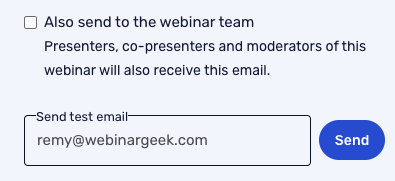
You can now schedule reminder emails for your webinar team members, including presenters, co-presenters, and moderators.
This helps everyone stay informed about upcoming webinar dates automatically. Especially when several people are involved, it reduces manual follow-up and makes coordination easier.
Benefits:
Keep presenters, moderators, and co-presenters informed automatically
Reduce the risk of missed sessions or last-minute confusion
Make team coordination easier
Create a smoother workflow for webinars with multiple hosts
Audio notifications during webinars
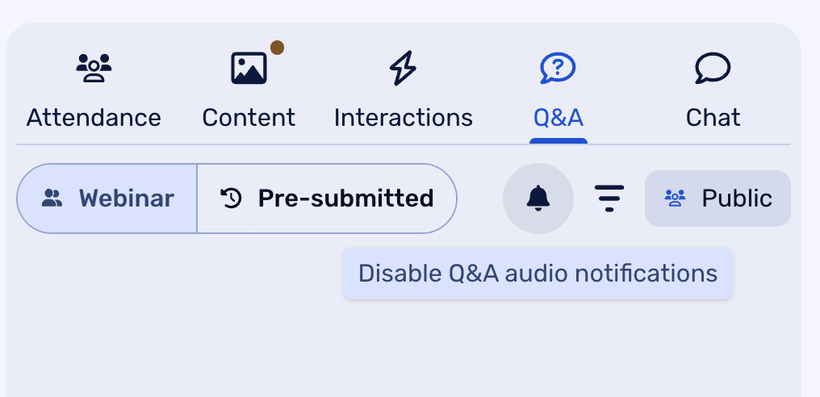
You can now enable audio notifications during your webinar to stay aware of new activity, such as Q&A messages and chat messages. These notifications also work for viewers.
It’s a simple way to keep up with what’s happening in the room without constantly checking the chat. Presenters can respond faster, and viewers get a more interactive experience too.
Benefits:
Stay aware of audience activity in real time
Respond faster to new questions and chat messages
Reduce the chance of missing important interactions
Improve the live experience for both hosts and viewers
Schedule Q&A questions for live webinars
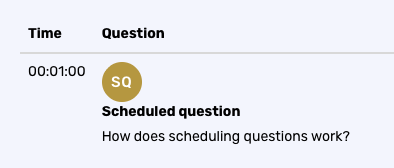
For live webinars, you can now schedule Q&A questions to appear automatically at set intervals during your session.
This gives you a simple way to create more interaction throughout your webinar. You can guide attention, spark discussion, and keep the session feeling active without adding extra work while presenting.
Benefits:
Boost engagement during live webinars
Prompt interaction at the right moments
Keep your session feeling active and dynamic
Add more structure to your Q&A flow
Captions for uploaded videos
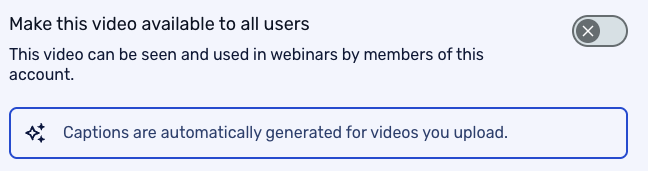
We now generate captions for uploaded videos. These captions can be shown in on-demand webinars, automated webinars, and live video injections.
That makes your video content easier to follow and improves accessibility for more viewers, without adding extra setup work.
Benefits:
Improve accessibility across multiple webinar formats
Make content easier to follow for more viewers
Add captions automatically to uploaded video content
Create a more inclusive viewing experience
Want to see these updates in action?
Join our next Product Update webinar on April 22. We’ll walk you through these new features and share more about what’s coming next.
Product Update Webinar on April 22 @ 2 PM
Save my seat