
Product Update: AI Assistant, live slide upload, automated webinar time range and more

Caroline
05 mai 2026 - 3 min
This month’s updates give you a first look at where webinars are heading. With your new AI assistant, you are no longer hosting alone. We are also helping you improve conversion with new options for calls to action, plus the ability to upload a slide deck during your live webinar. And with time-limited availability for automated webinars, you can create a natural sense of urgency for your audience.
Here’s what’s new.
Your personal AI Assistant
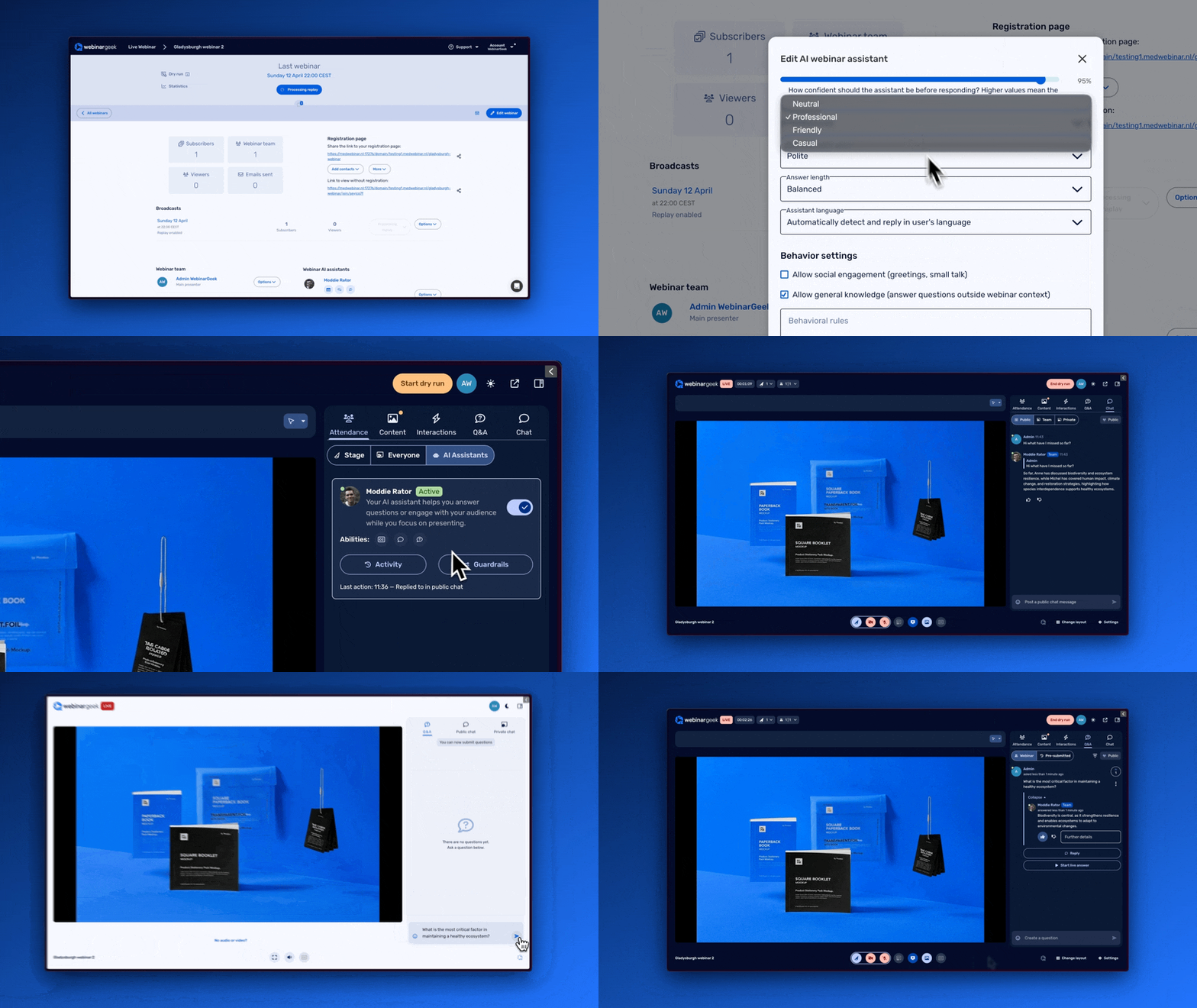
The AI Assistant helps you during your webinar, so you can focus on your story. It can answer questions that come in through the public chat on your behalf, giving your audience an immediate response while keeping them engaged in the webinar.
You can prepare your AI Assistant in advance through your webinar settings. Add instructions, give it context about your webinar, define the tone of voice, and set it up to support you in the best possible way.
Benefits:
You can stay fully focused on your presentation and interaction.
Your viewers get answers straight away, instead of waiting until the final five-minute Q&A and hoping their question gets picked.
You are never alone in your webinar again.
And this is just the start. The AI Assistant is in its first launch, and in the future it will help you host successful webinars in even more ways.
Add a downloadable file to your calls to action
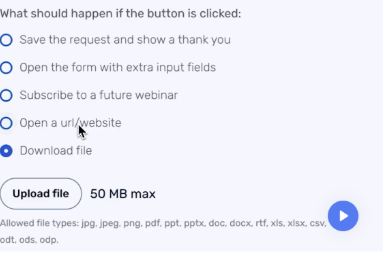
You can now upload a file and add it to your calls to action. For example, viewers often ask whether the slides can be shared after a webinar. Now you can simply attach them to a call to action, which also makes it measurable how often the file is downloaded.
Think of all the other content you could share with your audience, such as white papers, price lists, training materials, and more. This new option gives you more flexibility to increase conversion and give your viewers measurable access to your content.
Benefits:
Share content your viewers are actively asking for.
A call to action is harder to miss than a link in the public chat.
Share and track study materials, white papers, or other content during your webinar.
Automated webinar date and time availability
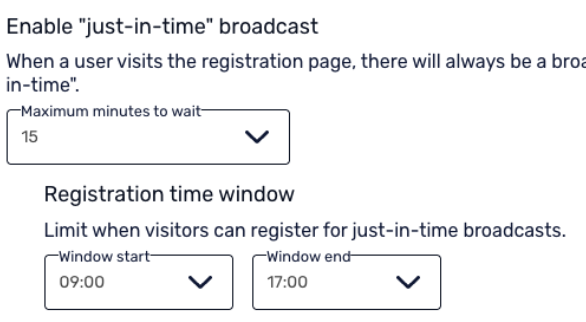
You can now set a specific availability window for your automated webinar. For example, your webinar could be available today between 10:00 and 12:00. This helps create urgency and gives viewers a clear reason to join within that time frame, which can increase webinar attendance.
It is a simple feature, but a smart one to use actively.
Benefits:
Increase the number of viewers.
Plan your own time, or your colleagues' time, to join during a specific window, help increase conversion and answer questions in the public chat.
Upload slides during your webinar
You know the situation. A question comes in through the public chat, and you have exactly the right slides to answer it, but you did not prepare them in advance. Or someone sends over the latest version of a slide deck two minutes before the webinar starts, and you want to use it live, but the webinar is already starting.
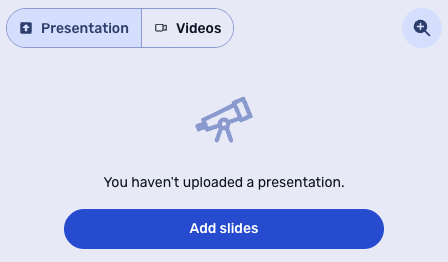
That is no longer a problem. From now on, you can upload slides during your live webinar and share them with your audience.
Benefits:
Present content your viewers ask for during the webinar.
Still include that last-minute deck with the useful update.
Want to see these updates in action?
Join our next Product Update webinar on 20 May. We will walk you through the new features and give you a first look at what else is coming up.
Product Update Webinar on May 20 @ 2 PM
Save my seat