
Download Google Meet virtual backgrounds for free
Find the right Google Meet virtual background to customize your virtual meetings and events
Explore the virtual backgrounds

Brown conch shell

Lightning storm by night

Grass mountains

Northern lights in the mountains

Sky of stars above snowy mountain

Breaking sea wave

Polar lights above dark forest

Golden forest pathway

Clouds resting on mountains

Lone starfish in the Caribbean Sea

Ciucas Peak in the morning

Village on mountain cliff during orange sunset

Sunset in Hawaii

Hot air balloons in the sky
Try WebinarGeek for free
Start with webinars today. 14 days free. All premium features. No strings attached.

Sand landscape in Morocco

Blue lake and green shore
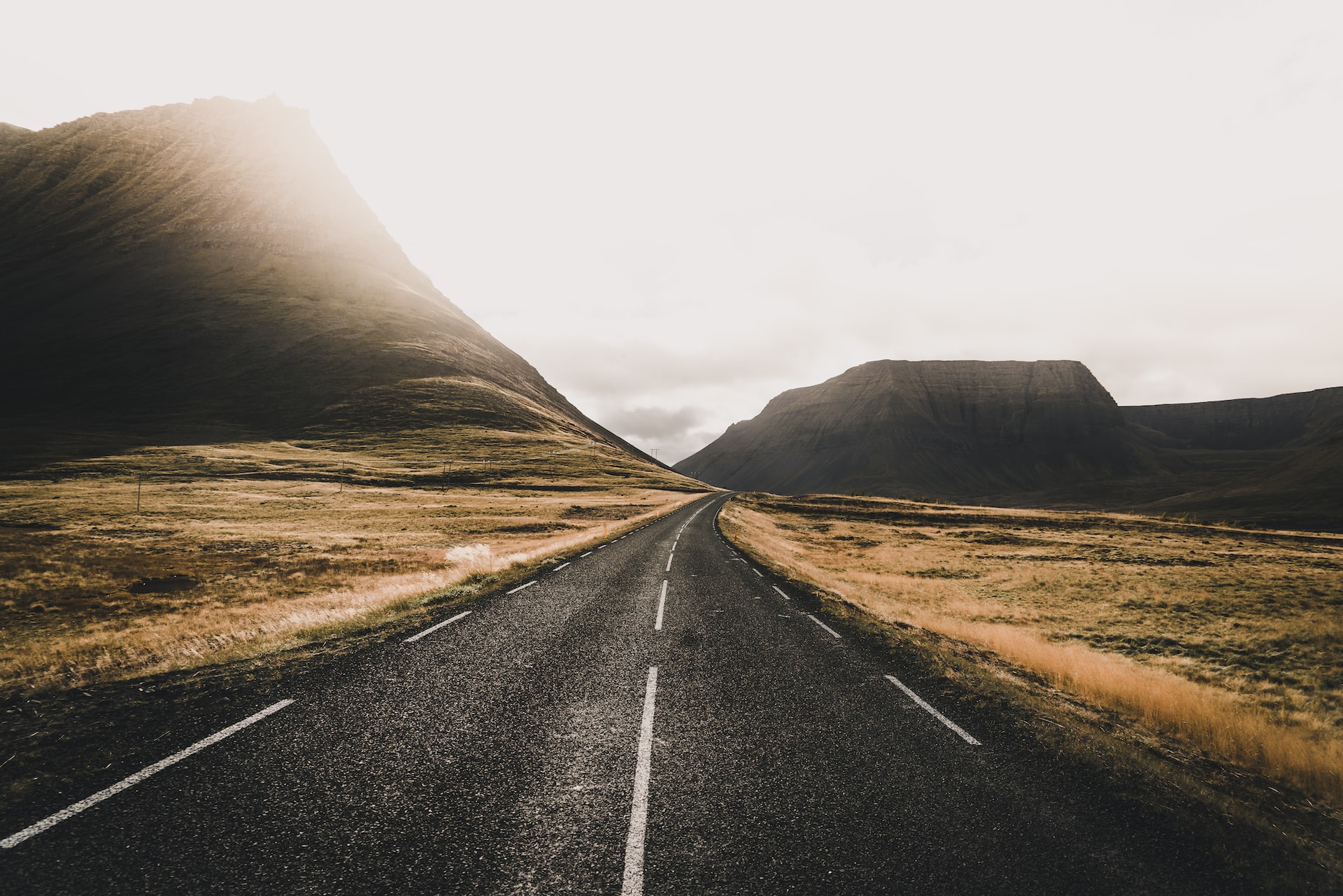
Pathway leading to rock formation

Forest full with yellow trees
How to add a virtual background
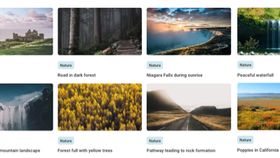
Pick an image for your webinar from this background library. Or chose one of your own!
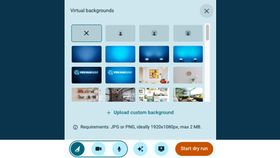
Go to your webinar and select the ✨ icon and choose for 'Upload custom background'.

You can even change the virtual background during your webinar. It makes your webinar very dynamic!

Waterfall in icy mountain landscape

River beneath the Yosemite cliffs

Niagara Falls during sunrise

Road in dark forest

Tokyo Shopping Street

Los Angeles by night

Sunny Honolulu skyline

Italian Amalfi Coast

Blue London cab

London Eye in bright weather

Burj Al Arab on a cloudy dark afternoon

London postbox and phone cell

Golden Gate Bridge in San Francisco

Magenta building in a city

Eiffel tower from Champs de Mars

Nyhavn port in Copenhagen

Brown stone houses beside river

Castle of the Sleeping Beauty
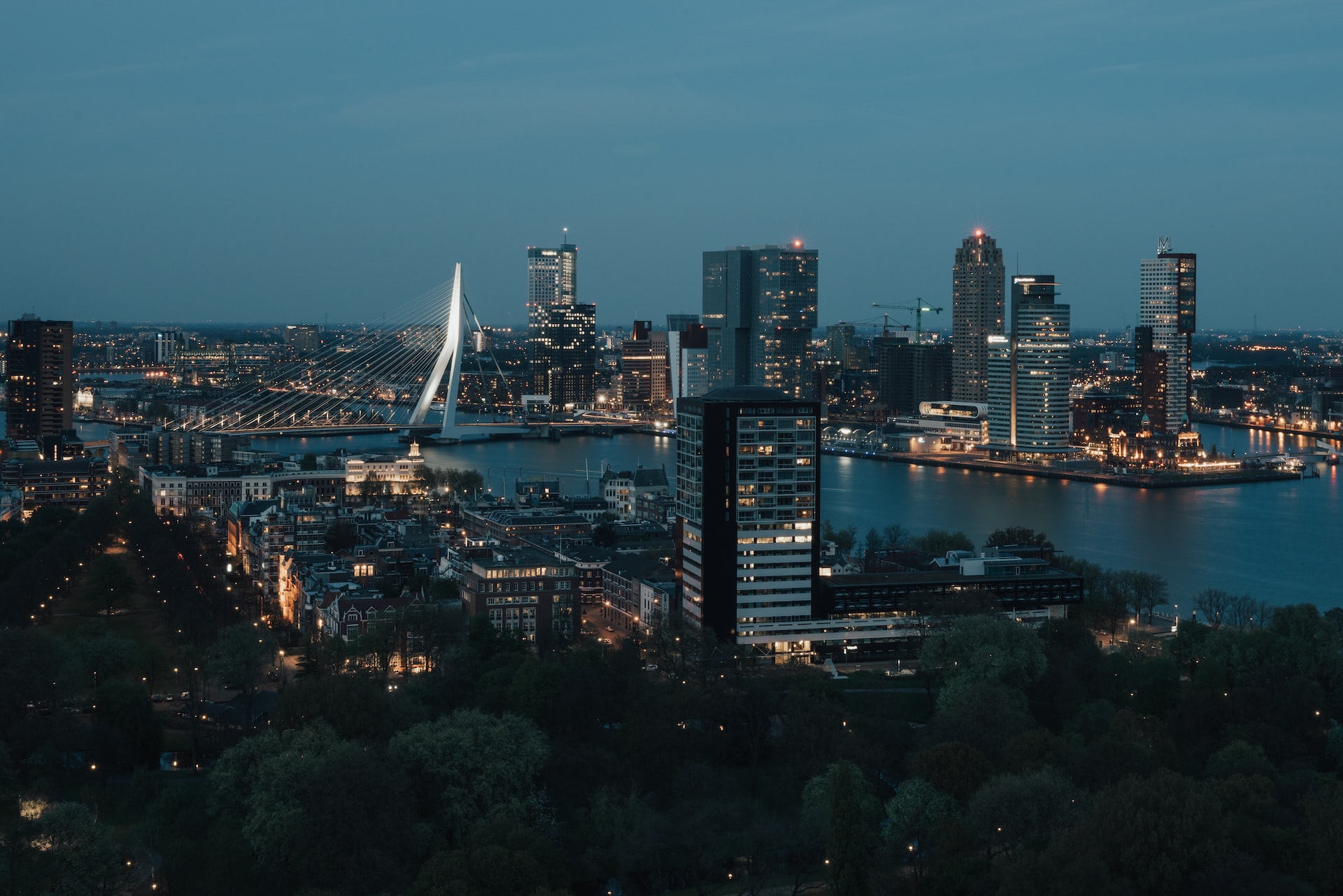
Rotterdam by night

Hofvijver in The Hague

Utrecht canals by night

Snow in Amsterdam

Polar bear waving

Panda eating bamboo

Fox in the snow

Swimming Turtle

Curious looking squirrel

Kingfisher scanning for food

Playful grey cat on his hind legs

Two elephants in the jungle

Small polar fox in the snow

Satisfied looking gorilla

Three meerkats in the sand

Young deer in the grass

Baby raccoon

Green pit viper on a branch

Sleeping koala on a tree branch

Zebras drinking from a pool

Talking puffins

Pig standing in the sea

Lion roaring in the grass

School of sharks

Playful border collie with a branch

White room modern wooden clock

White porcelain teapot and two plants on windowsill

Modern living room with a yellow image on the wall

Room with 4 bookshelves

Wooden cozy cottage

Wall full with frames

Office space with black frames

Stylish living room

Stormtroopers standing in the Death star

Train on its way to a magical place

Magical shopping street

Platform 9¾

School of magic

Classic gaming controller

Interactive theme park

Mario kart

Dunluce Castle

Old town Dubrovnik - Kings landing

Retro looking game hall

Lyon Football stadium

Basketball stadium

Basketball court at sea

Fitness gym
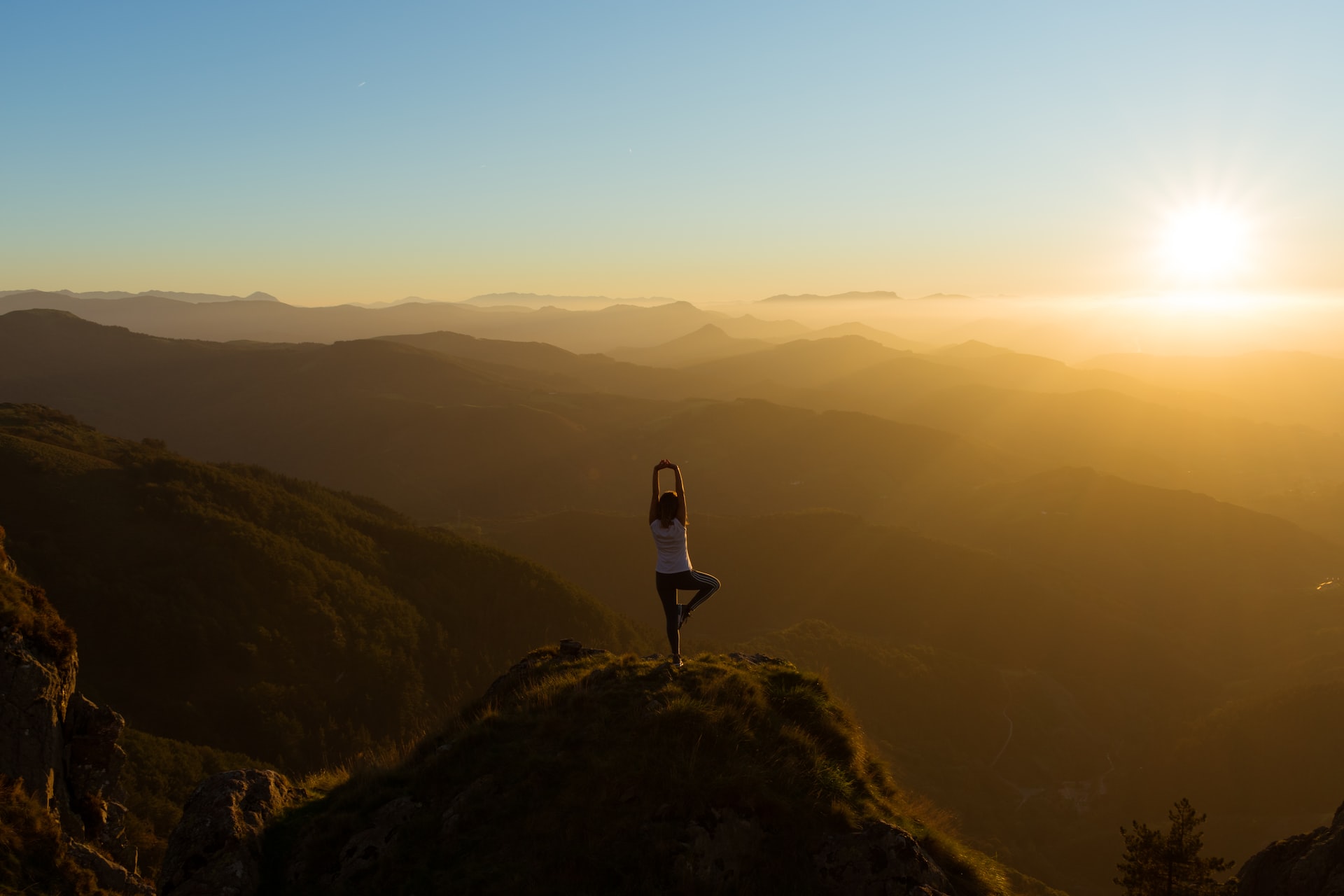
Yoga pose on a mountain

Stack of stones next to the water

Tennis court

Golf course

Peaceful waterfall

Poppies in California

Dolphin jumping out of the water

Stonehenge with sunset

Sailing boat skew on the water

Graffiti wall

Space station in space

Cozy pub

Big Sports bar

Mountain view from the river

Austin by sunset
Q&A
What is a virtual background?
A virtual meeting background is an image that serves as the backdrop for a speaker during an online event. Some awesome virtual backgrounds can make it seem like the speaker is up in the mountains or chilling on a beach! However, the most top-notch virtual backgrounds often portray a sleek and professional office environment.
How to add a virtual background on Google Meet?
Adding a new virtual meeting background in Google Meet is a breeze. First, select your meeting, then click on "Apply Visual Effects" at the bottom right of your screen. You can either upload a fresh background photo or choose one from a library of past images. Once you hit "Join Now," you're all set to start your online gathering with your new background!
Where can I download free virtual backgrounds for video conferencing?
You've got access to WebinarGeek's treasure trove of over 100 free virtual backgrounds for video calls, online events and webinars right here on this website. Feel free to go wild with fun and quirky options for your casual meetings, and switch to more realistic virtual backgrounds when it's time to get down to business. Best part? They're all free, so you can let your imagination run wild!
What size should my Google Meet virtual background be?
When it comes to virtual background images in Google Meet, it's ideal to have them sized at 1920 by 1090 pixels or at the classic 16:9 ratio. Additionally, your photo's file size should stay under 16MB, and it should be oriented horizontally (landscape). And remember, only JPG or JPEG files in the sRGB color space are good to go.
What are the system requirements for using virtual backgrounds on Google Meet?
To use those free virtual backgrounds in Google Meet, you'll need a 64-bit operating system and a browser that supports Web GL 2.0. If you're a Chrome user, make sure you're rocking version M84 or newer. And for all you Edge enthusiasts, go with version 85 or beyond. Lastly, if you're rolling with Chrome, double-check that Hardware Acceleration is turned on.
My Google Meet virtual background is not working, how do I fix it?
If you're hitting a bump in the road with Google Meet's virtual meeting background, here's a nugget of wisdom: more than 90% of issues can be smoothed out by simply toggling your Web Camera off and then on again. Also, be sure to enable Host permissions so that Google can slip the virtual background extension into your call without a hitch.