
What kind of webinars are there?
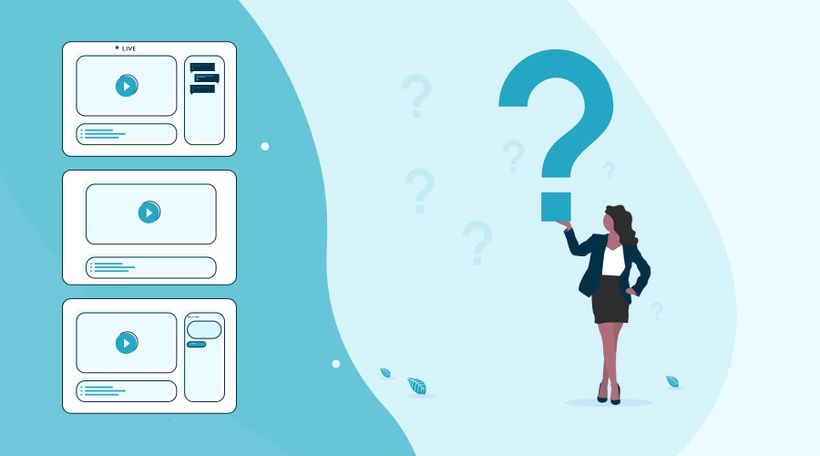
LEARNING GOAL: What kind of webinars can I use?
In the world of webinars, there are three types of webinars. The live webinar, automated webinar, and the on-demand webinar. Based on your objectives you will determine which type of webinar is the most suitable.
Start with your first webinar
An important first step in organizing a webinar is to think carefully about the question "why do you want to organize a webinar?","What do you want to achieve with your webinar?"
Properly establishing your objectives ensures you can measure afterward what went well and where you can still make improvements.
Those goals can be anything. For example, generate more leads, reach new potential customers, or increase the number of contact moments with existing customers. Also, think about increasing your mailing list. This is an important reason for many people to start using webinars.
If you have formulated the objectives, it is important to consider for whom you will give the webinar. Who do you want to reach with a webinar?
So try to describe your target group as concretely as possible. A well-known saying, "if you try to serve them all, you will serve none" is very appropriate here. By clearly formulating your target group and including this in your promotion, you address people personally and they will feel more likely to participate in your webinar.
What kind of webinar do I want to give to reach my goals and what is my target audience?
Automated webinar
You record your webinar in advance with an automated webinar. This allows you to make your webinar flawless. You can also make the webinar as attractive as possible visually. With our intuitive webinar software, you ensure that you can broadcast the webinar as if the broadcast were "live". Also, the viewer can ask questions during the webinar, so you have the extensive opportunity to interact with the viewer.
If you are not yet completely comfortable with the camera, an automated webinar can offer a good solution.
On-demand webinar
An on-demand webinar gives the viewer the option to view the webinar at a time of their choosing. The viewer can, among other things, pause and rewind the webinar. The viewer registers with his name and email so that you can see exactly at what time and by whom the webinar was viewed. During the on-demand webinar, chat function and other interactive tools can be used. If someone uses the chat function, you will immediately receive it in your mail and you can respond.
An on-demand webinar is very suitable if you want to continue generating leads after your live webinar. Potential viewers have to register when they want to watch the on-demand webinar. Besides, you continue collecting valuable statistics, allowing you to send highly targeted follow-up emails.
With WebinarGeek you can create any type of webinar in an instant. Our software stands for user-friendliness and simplicity. The result is webinar software that makes everyone happy!
What did I learn?
With which objective should I make a webinar
What types of webinars can I create
Próximos cursos

How to stream webinars with Streamlabs Desktop
Learn how to set up and stream webinars like a pro using Streamlabs Desktop! In this first installment, we'll walk you through the foundational steps to master the art of webinar streaming.

Automate workflows with HubSpot
The HubSpot integration is one of a kind, because it works both ways. This is how to automate your marketing.

Optimize your webcam with OBS - part 1
Enhance your webinar's visual appeal! Learn to optimize your webcam image using OBS. Brightness, contrast, saturation, sharpness—master these settings for a captivating presentation.

Building a Successful Webinar Channel for Recurring Content
Setup your channel, manage recurring webinars, and promote your content to grow your audience.

Statistics
See in a glance how your webinars are performing.

Registration process
Easily customize the registration page in the real-time editor.

Why you need a good webinar hosting space
Let's dive into the importance of choosing the right webinar hosting space for successful online presentations. Learn how the right setup can improve your webinars, engage your audience, and ensure a smooth experience from start to finish.

Zapier - Integrate with 6,000+ apps
Automate workflows to host webinars more effectively and efficiently.

Get leads with recorded webinars
Discover ingenious ways to maximize your webinar recording! Elevate engagement, capture leads, and relive the live charm. Let's dive in! 🚀

5 Best Ways To Find New Webinar Topics
Struggling to find fresh and engaging webinar topics? Look no further! In this video, we dive into the top 5 strategies to spark your creativity and uncover compelling subjects for your next webinar.