
Product Update: New option for video layout

Pam
03 August 2023 - 5 min
Fantastic news! It's time for a brand-new update for our software that you will love, such as more options for your webinar layout, improved chat and replay options, and an extra feature for Premium plans!
Floating tile video layout
This great feature gives you complete control over your camera position on your content. Choose where you want to position your camera within the webinar video and create an immersive experience for your viewers! Place the camera input on top of your presentation in corner of your screen. With this layout, you get the most real estate for your presentation while being visible.

Reply to chat messages
And that's not all! Now you can easily respond to chat messages with just a click. Interacting with your audience on a personal level has never been this simple. Directly reply to messages in the public chat to answer questions from viewers.

New options for replay playback
Who doesn't want an improved viewer experience? Want to give your viewers the freedom to scroll through the replay? No problem! Enable the playback speed of your webinar replay or for your on-demand webinar.
So, what are you waiting for? Dive into these new features and make your webinars unforgettable with the floating tile video layout. Discover the power of interaction, personalization, and creativity – all at your fingertips.
Make sure to join the Product Update webinar to see all new features in action and get a unique sneak peek at what is to come!
Product update webinar on Thursday 17 August at 2 PM
Save my seatRelated articles
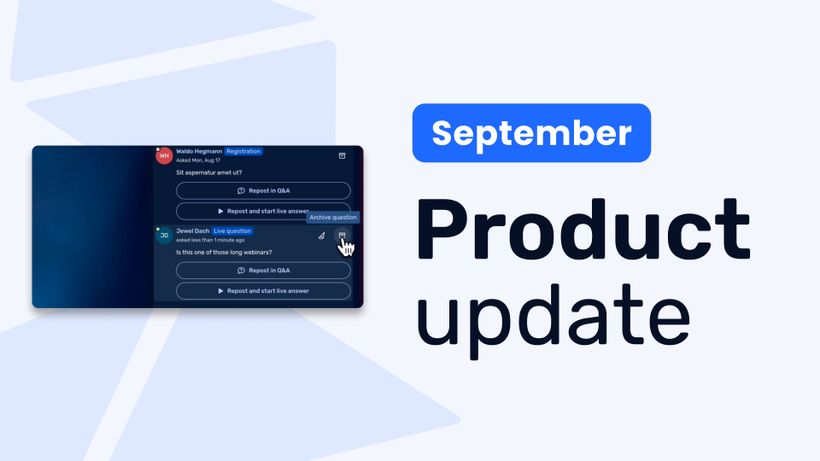
Product Update: Recurring webinar subscribers, Q&A moderation, AI Assistant and Calls to Action
Discover WebinarGeek's latest updates: subscribe contacts to recurring webinar dates, moderate Q&A before questions go public, use the AI assistant on on-demand webinars, and add calls to action while you're live.
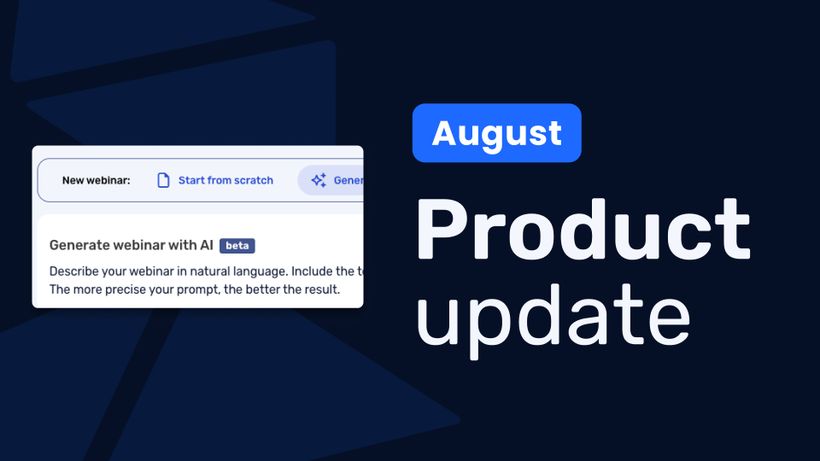
Product update: AI webinar creation, Q&A filtering and UTM tracking
Discover WebinarGeek's latest updates: build a webinar from a text description, filter pre-submitted Q&A, redirect your registration page, use exact brand colors, and track campaigns with UTM tags.
Product update: Channels, polls and AI Assistant improvements
Discover the latest WebinarGeek updates, including improved Channels, open-ended poll answers, easier registration embeds and AI Assistant upgrades.