
Use webinars for Product demos
Host product demo webinars to qualify leads, onboard customers and accelerate your sales process
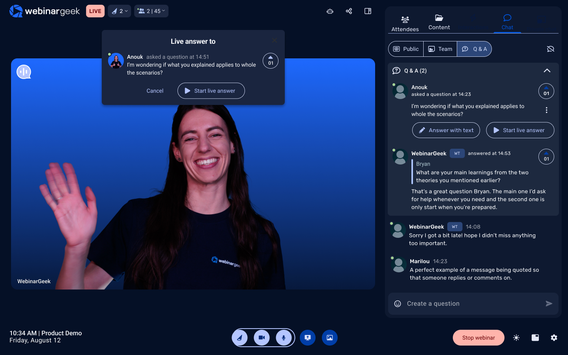
Get to know your audience
In an effective product demo, you want to highlight features and selling points relevant to your audience.
WebinarGeek offers the ability to add extra registration fields which can be used to gather more information before the start of the webinar.
For example, their company, position, branche or questions. Use this information to emphasize key points that will resonate with your future customer.
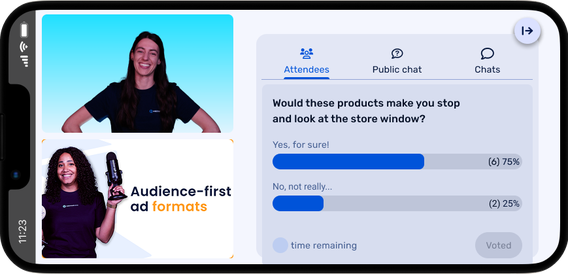
Efficiency is the key
WebinarGeek is an effective tool for product demos. You might think that creating a webinar is time-consuming and difficult. However, this is not the case with WebinarGeek, using our intuitive interface and our extensive help center will set you up in no time.
Start free trial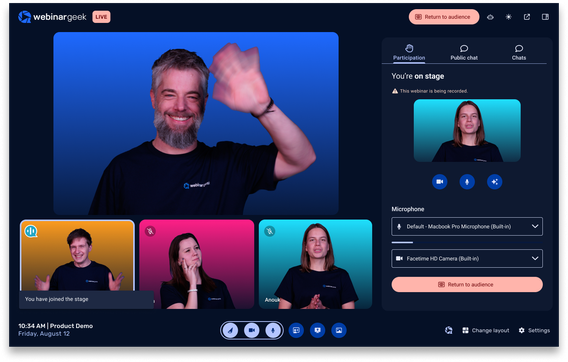
Reach more people
With webinars you will be able to reach a large audience from the comforts of your home or office. You can demonstrate your product to multiple future customers without scaling your sales team. With WebinarGeek you can give demos to up to 5000 viewers.
Start free trialInteract with viewers
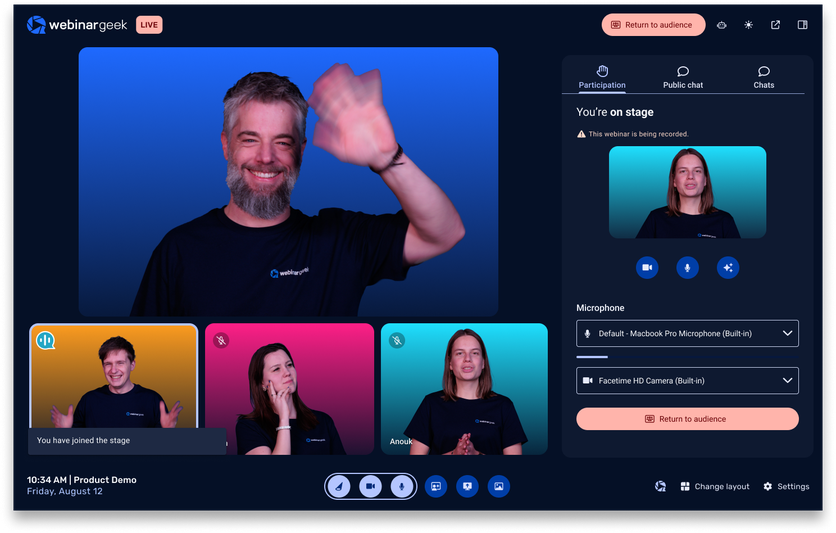
Make use of polls and quizzes during the webinar. Not only will this keep your audience engaged it will also provide you with more information about your future customers.
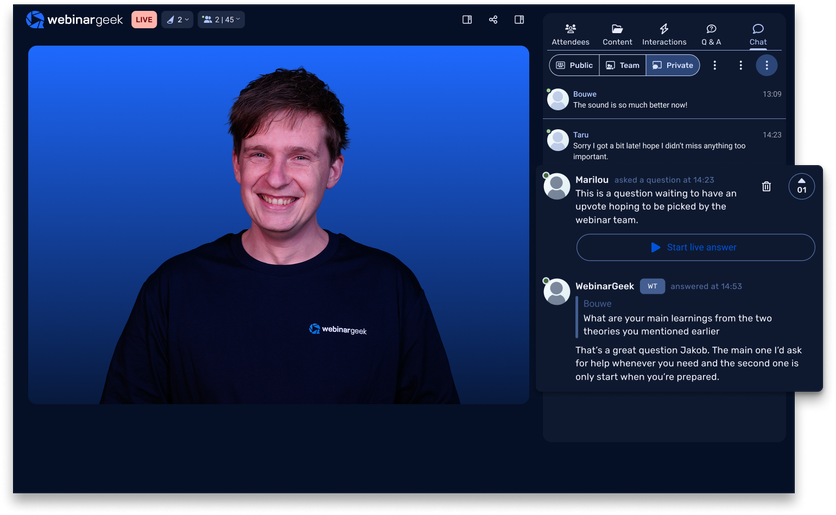
Interact with viewers
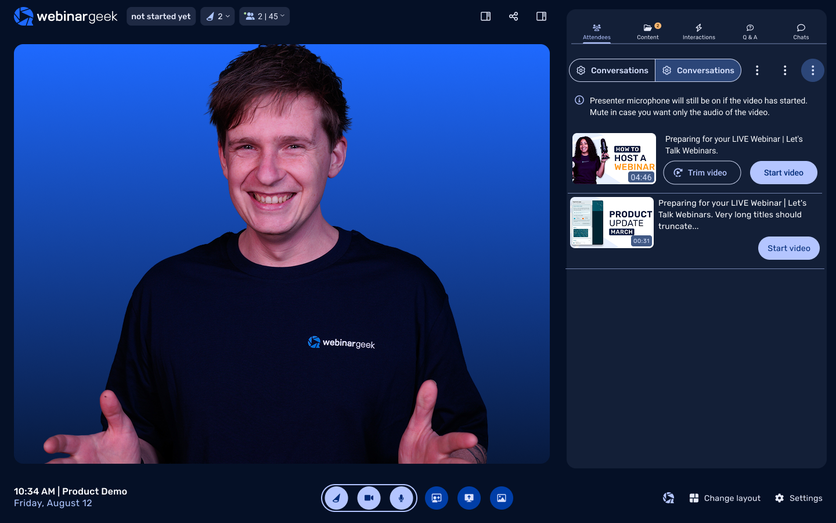
Make use of polls and quizzes during the webinar. Not only will this keep your audience engaged it will also provide you with more information about your future customers.
How 3 goals were reached by 1 tool
Graniten Group produces packaging machines in the pharmaceutical industry and is also active in automation in healthcare. We were curious, why would such a company host webinars?


Product demo webinar FAQs
Showcase, convert and scale with WebinarGeek
Is WebinarGeek suitable for hosting product demos?
Yes! WebinarGeek is built for product demos, live, automated or on-demand. All without needing to install software.
How can I personalize my demo for the audience?
Add custom registration fields to collect details like industry or job title. Use that data to tailor your messaging and highlight what matters most to each viewer.
Can I co-host a product demo with colleagues?
Absolutely. You can add up to 100 co-presenters, each joining from their own location. Great for involving teammates or technical experts.
How can I keep my audience engaged during the demo?
Use polls, quizzes, and live Q&A to boost engagement and collect insights. These features turn viewers into participants.
How many viewers can I reach in a product demo?
WebinarGeek supports up to 5000 live viewers, letting you scale your demo outreach without scaling your sales team.
Want to know more about WebinarGeek?
14 days free. All Premium features. No strings attached.