
Product update: live captions for webinars

Pam
07 January 2025 - 5 min
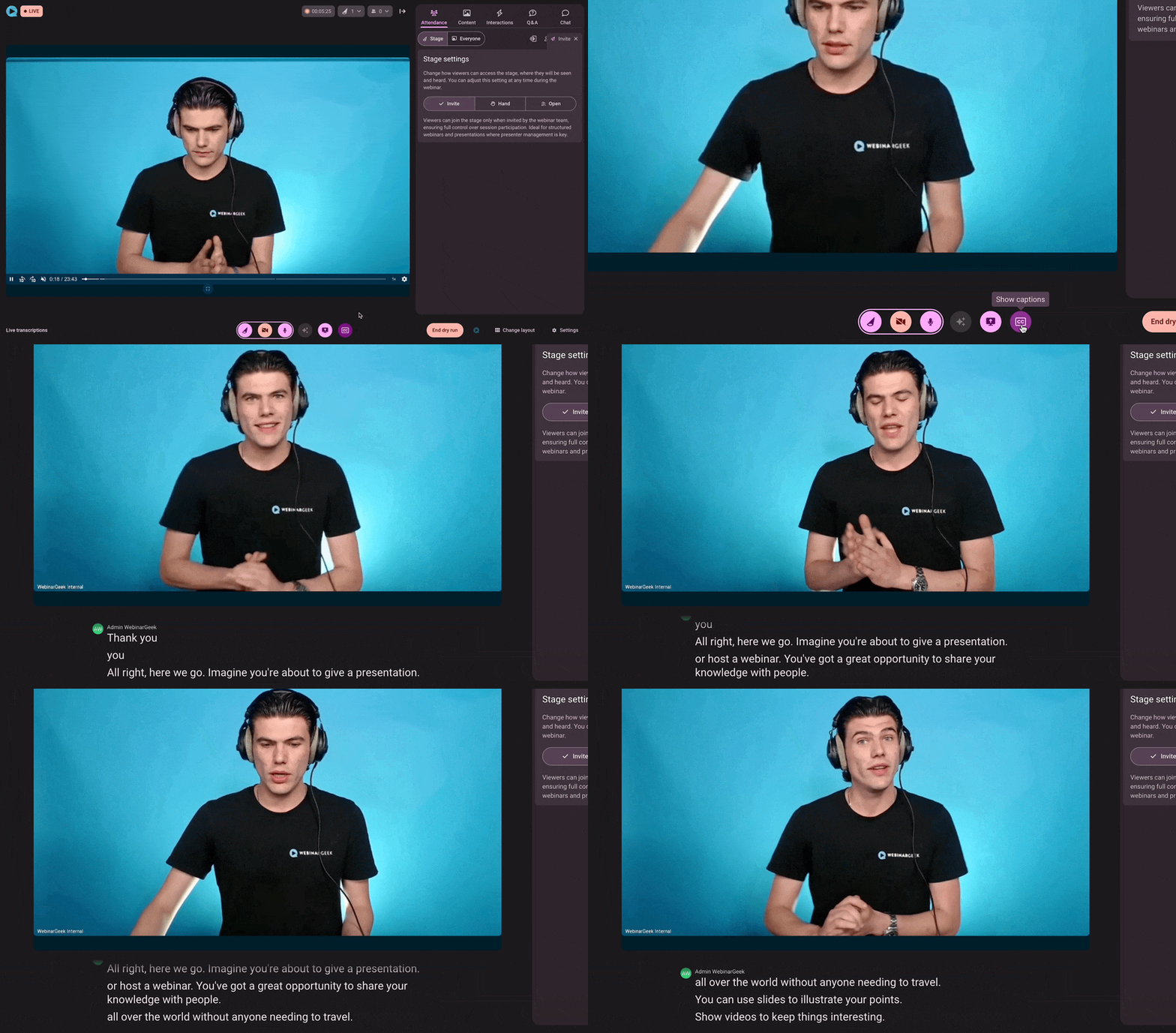
We’re thrilled to announce a new feature that’s set to revolutionize your webinars: live captions! Now, you can make your sessions more inclusive and engaging by enabling captions in 125 different languages.
Why use live captions
Live captions aren’t just a cool feature—they’re a powerful tool for creating better experiences for your audience. Here’s how they can benefit you and your viewers:
Improved accessibility: Captions help everyone follow along, whether they’re non-native speakers, hard of hearing, or simply prefer to read along.
Reach a global audience: With 125 languages to choose from, your webinars can break language barriers and connect with viewers worldwide.
Better recordings: Live captions aren’t just for the moment—they’re also saved in your replays, making your content even more valuable.
Top features
This is why live captions are an improvement for everyone who hosts webinars:
Presenter control: Toggle captions on or off anytime during your webinar. You’re in charge.
Noise reduction: Captions stay clear and accurate, even if there’s background noise.
Content repurposing: Use the transcript to turn your webinar into blogs, social posts, or other content. It’s a huge time-saver.
Who can use it?
Live captions are available for users on Premium and Enterprise plans, ensuring you get the most out of your subscription. If you upgrade from a Basic plan, all recordings made after December 1st, 2024 will get captions retroactively. Please note: this feature isn’t supported for RTMP webinars.
Ready to get started?
It’s easy to turn on live captions and enjoy all these benefits. Connect with a broader audience, improve accessibility, or repurpose your content. Live captions are here to help you improve your webinars. Try it out today and see the difference for yourself.
Related articles
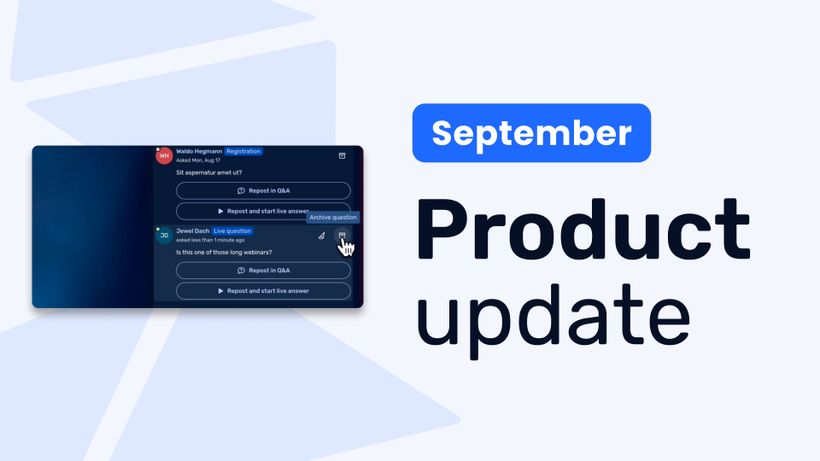
Product update: Recurring webinar subscribers, Q&A moderation, AI Assistant and Calls to Action
Discover WebinarGeek's latest updates: subscribe contacts to recurring webinar dates, moderate Q&A before questions go public, use the AI assistant on on-demand webinars, and add calls to action while you're live.
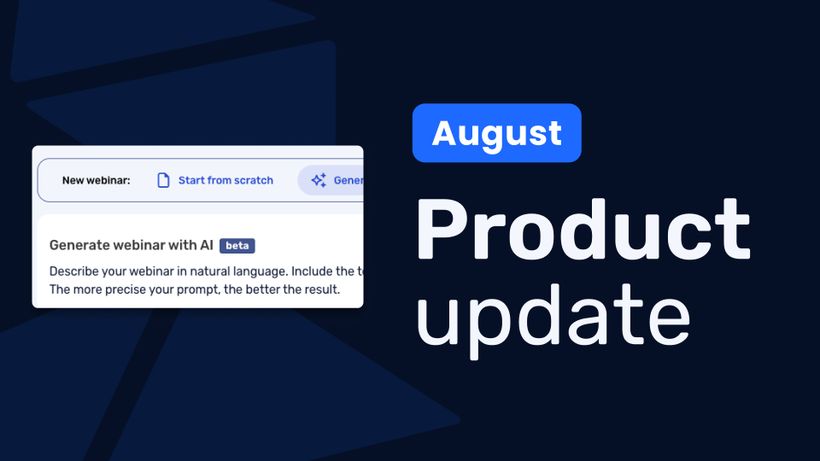
Product update: AI webinar creation, Q&A filtering and UTM tracking
Discover WebinarGeek's latest updates: build a webinar from a text description, filter pre-submitted Q&A, redirect your registration page, use exact brand colors, and track campaigns with UTM tags.
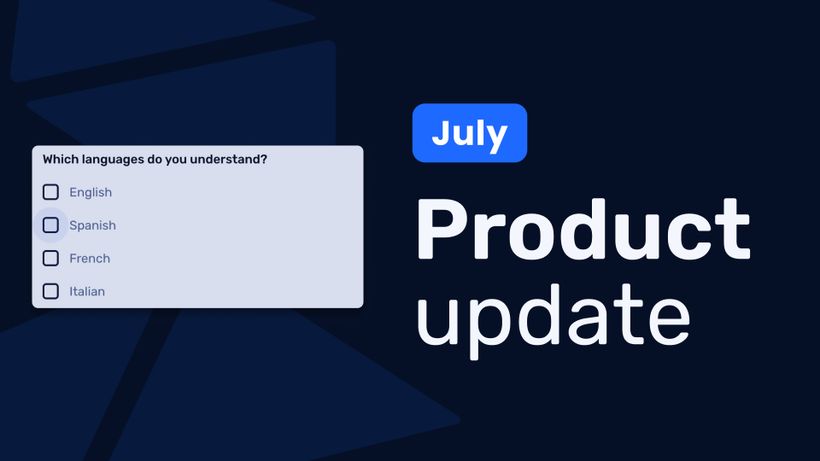
Product update: Channels, polls and AI Assistant improvements
Discover the latest WebinarGeek updates, including improved Channels, open-ended poll answers, easier registration embeds and AI Assistant upgrades.