Highlights
Webinars
Integrations
This month we are happy to announce a lot of cool new features that make hosting webinars a breeze.
Success Stories
Industries
Use cases
In this success story, she shares how she went from a small start to thousands of sign-ups — and what you can learn from her journey.
Learn
Grow
Connect
Learn where AI can save time before, during, and after your webinar, with ideas you can put into practice right away.
Create a webinar easily and quickly with the webinar wizard from WebinarGeek. Organize a webinar with ease!
Registration process
Easily customize the registration page in the real-time editor.
E-mails
Share your message with different types of webinar emails. Turn your viewers into customers with automated follow-up emails!
Interactions
Gather relevant information from viewers through the different interactions.
How To Create Captions And Subtitles For Your Pre-recorded Webinars
Enhance accessibility, boost engagement, and make your content more inclusive with these quick tips. Learn to easily add captions and subtitles to your pre-recorded webinars!
Restream - Stream to multiple channels
Discover how Restream and WebinarGeek work together, so that you stream your webinar to more than 30 platforms.
Dry runs - Essential for successful webinars
Preparation is key for every marketer. Well begun is half done.
Webinar Playbook for Coaches
A practical guide for coaches who want to grow without limitations on your way. This playbook skips the generic pep talks and gets straight to the good stuff: how real coaches are using webinars to teach more people, save hours, and stay personal in the process.
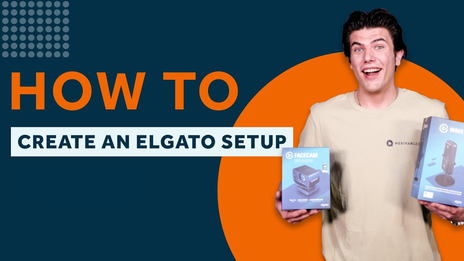
Master Your Elgato Setup - Complete 3-Part Video Guide
Learn how to build the ultimate Elgato setup in this 3-part video series—unboxing, software setup, and a full real-time walkthrough to boost your streaming game.
3 Tried and Tested Webinar Strategies
In this video, we delve into the world of webinars with WebinarGeek, unveiling three proven strategies that guarantee success. Boost your success today!
Live environment
Experience our user-friendly live environment. It is now time to shine and take that online stage!
How to stream webinars with vMix part 2
Continue your Phoenix journey! In part 2 of our series, we dive into adding videos, display captures, and mastering transitions. Join us to elevate your streaming game with vMix.
11 Webinar Presentation Templates
Give your webinar a fresh look with ready-to-use presentation templates for marketing, training, pitch decks, and product demos.