
Small groups. Big conversations.
The best ideas show up when people actually talk to each other. Breakout Rooms give your attendees that room, right inside your webinar.
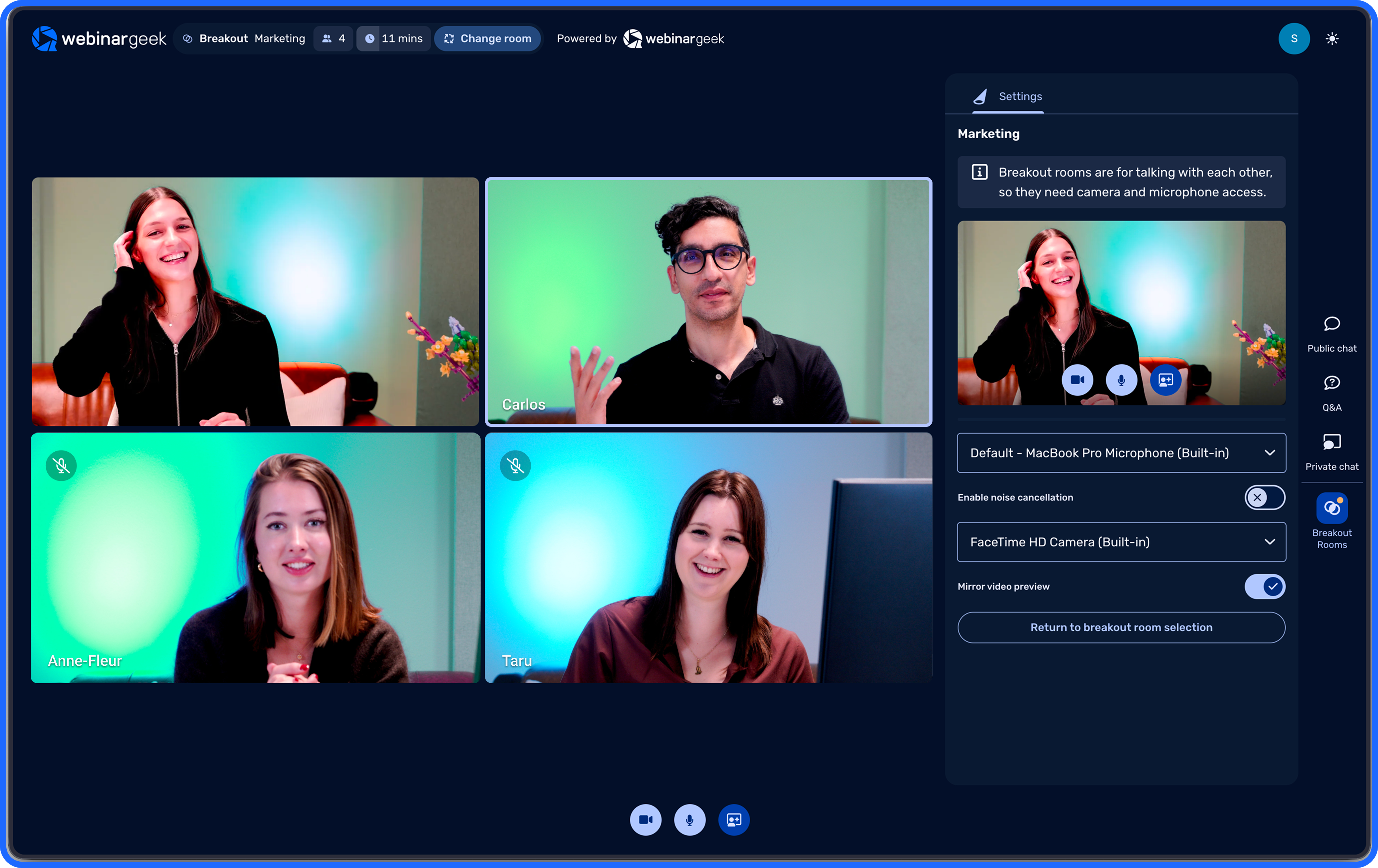
From listening to joining in
You share what you know and inspire your audience. But what if your attendees learned from each other too? Smaller groups make room for questions, experiences and new ideas. And when everyone comes back together, your webinar has gained something valuable: what your attendees know.

Discover together
Everyone follows the same webinar and picks up new insights.

Connect in small groups
Attendees talk things through, practise or work together.

Grow from there
Everyone returns to the main webinar to share what came out of it.
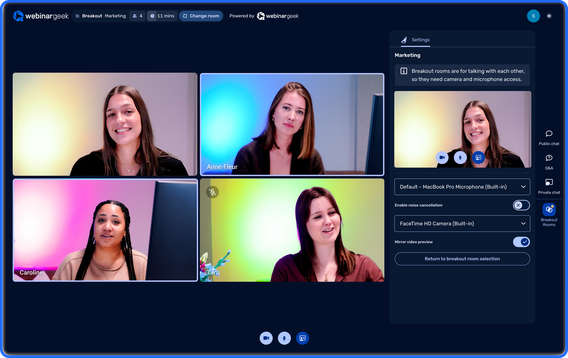
Give everyone room to be heard
Recognise this? You host an interesting webinar, ask a question, and hear back from the same few people every time. That does not mean the rest have nothing to say.
In a smaller group it gets easier to share an opinion, ask a question or respond to someone else. Including for people who would rather not speak in front of a big audience.
Breakout Rooms turn one shared presentation into several personal conversations. More voices, new perspectives, and meetings worth having.
What can you do with Breakout Rooms?
From online training to customer events: sometimes a few minutes in a small group is all it takes.
Online training & education
After your explanation, attendees work on a real task in small groups. Then they share what they found with everyone.
Workshops & co-creation
Split people into small teams and give them a challenge. Then come back together to compare solutions.
Customer onboarding & success
Start with a shared product walkthrough. Then let customers discuss in small groups how it applies to their own situation.
Virtual events & communities
Visitors meet each other and swap experiences with others in their field. New connections come out of it too.
Marketing, sales & thought leadership
In small groups, people discuss a problem they recognise. Then you bring the main insights together.
Internal comms & team development
Colleagues share ideas in small groups or meet people outside their own team. Then everyone comes back with new perspectives.
You do not need to organise a separate event to get your audience involved. Breakout Rooms turn one webinar into an experience with several conversations.
Bring everyone together
Start your webinar the way you always do. Share your story, inspire your audience and introduce the topic they will be talking about.
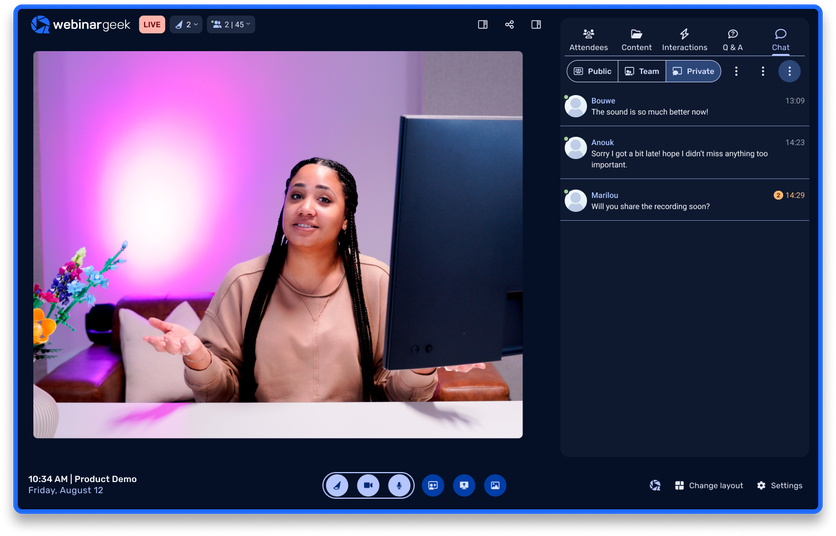
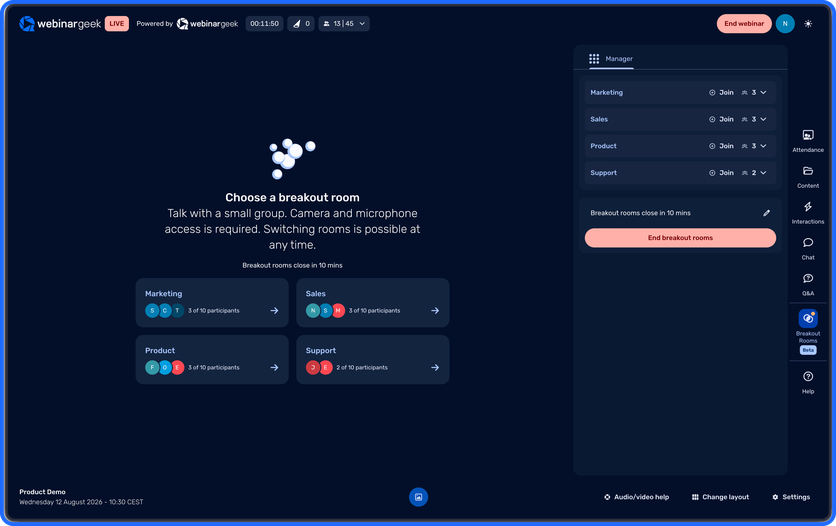
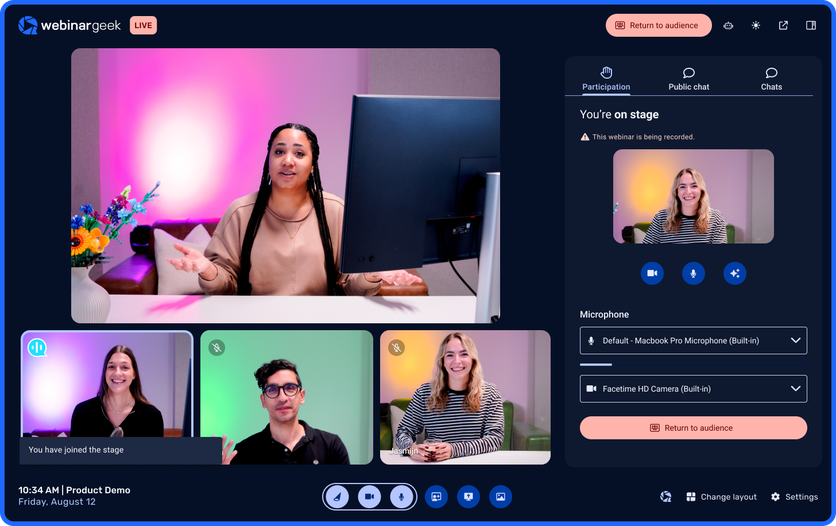
Bring everyone together
Start your webinar the way you always do. Share your story, inspire your audience and introduce the topic they will be talking about.
You do not need an hour to make something happen
Not every webinar has to become a full workshop. Even a short conversation lifts engagement. Four ideas for your next one.
The five-minute introduction
Let people say who they are, what they do and what they hope to learn. Works well for online events and communities.
The familiar dilemma
Put a real-world dilemma on the table and let groups discuss how they would handle it. Good for training and knowledge sessions.
The shared brainstorm
Ask one sharp question and let every group come back with an idea. Nice for workshops, product research and internal sessions.
Learn from each other
Let people share what works for them and what does not. A simple way to turn your audience's experience into something everyone gains from.
Built for real connection. Trusted by our customers.
Frequently asked questions about Breakout Rooms
What are Breakout Rooms?
Breakout Rooms are smaller conversation spaces inside a live webinar. You can split attendees into groups so they can talk, work together or discuss a task, and then bring them back to the main webinar.
Why would I use Breakout Rooms in my webinar?
Because not everyone likes speaking in front of a big group. Smaller conversations give people more room to ask questions, swap experiences and take part. That turns a presentation into something shared.
Which webinars are Breakout Rooms suited to?
Online training, workshops, virtual events, customer onboarding, interactive knowledge sessions and internal meetings. Especially when you want people to contribute, not just listen.
Can attendees return to the main webinar afterwards?
Yes. You can bring everyone back to the main webinar to go through the main insights and continue the programme together.
How do I make a breakout session worthwhile?
Give people one clear task or question. Keep the goal simple and say beforehand what you would like to hear back. Then everyone knows what the conversation is for.
Make your next webinar a conversation people remember
You have the knowledge. You have the audience. Now give people room to learn from each other. With Breakout Rooms your webinar becomes something people take part in, not just something they watch.