
Set up your mailflow
Stay in contact with your audience. Send your subscribers different types of emails in your own brand identity.
Deliver the right message to the right audience
Create your own mailflow in WebinarGeek to stay in touch with the subscribers. Confirm, remind, follow up, or even certify with emails.

Keep track of your audience and see the open ratio and bounces of your audience

Schedule emails for the future to automate your email sequence

Create responsive emails with the easy-to-use email editor

All types of emails
Send your audience different types of emails to increase the viewer ratio and have better conversion rates. Create confirmations, reminders, and follow-ups. Evaluation reminders, replays, and even passed assessment emails in the easy-to-use email editor.
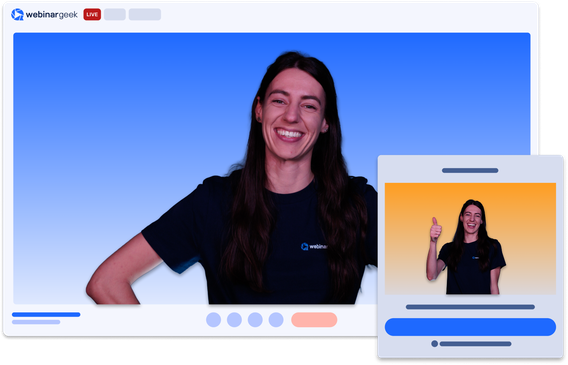
Personalize follow-ups
Create different emails for different detailed segments. Reach out in a different way to depending on the data and behavior of your audience. Send reminders to people who did not fill in your evaluation form. Or send certificates to people who passed their assessment.
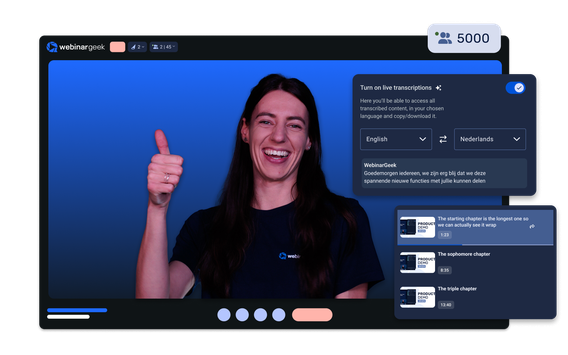
AI does the work for you
Submit a short prompt to the easy-to-use editor and it will automatically write the emails for you. It can even create images. Setting up emails has never been easier.
Stay in touch with your audience
Reach out to everyone before and after your webinar. Personalize your emails by sending messages to a specific segment.
Other features
Webinar channel
Make all your webinars accessible in an overview

On-demand webinars
Make your recording available 24/7
Marketing tools
Increase your conversion with smart marketing tools
Automated webinars
Broadcast a pre-recorded webinar as if it were live
Live webinars
Real-time interactive online presentations in HD+ quality
Webinar statistics
All the data in one overview, displayed in a visual way to obtain results
Start with interaction tools
14 days free - all premium features - no strings attached