
Product update: AI webinar creation, Q&A filtering and UTM tracking

Caroline
30 July 2026 - 3 min
This month we're taking on some of the heavy lifting when you create a new webinar. We've made it possible to build a complete webinar from a text description, added more control over your branding, made it easier to manage pre-submitted questions, and introduced full UTM support so you can better track your campaigns.
Here's what's new.
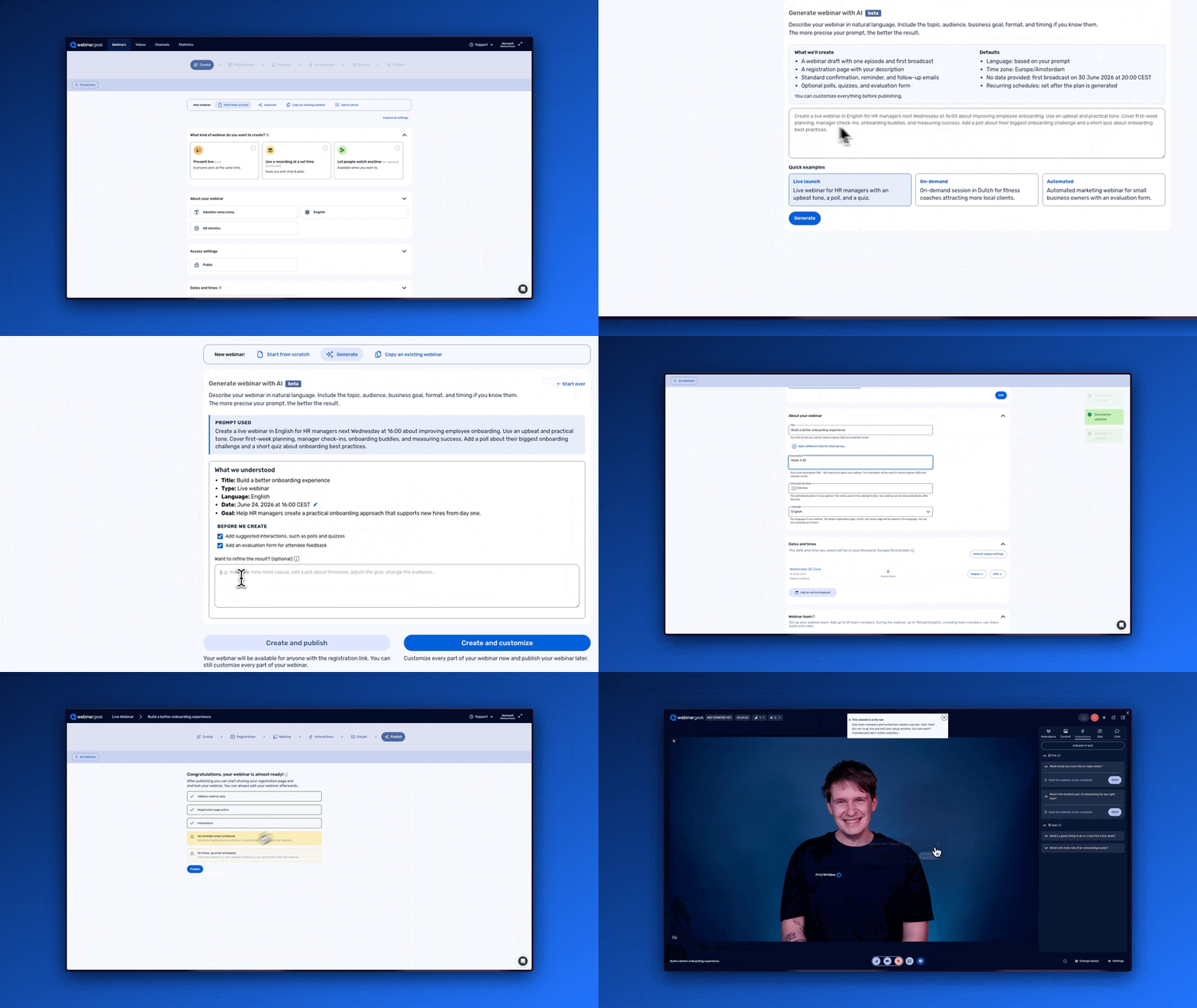
Create a webinar from a text description
Creating a new webinar is easier than ever. You describe in text what you want, and we create the entire webinar for you, including polls, quizzes, and a registration page. Everything is ready for you to customize and finalize before you publish.
This takes care of the setup, so you can spend your time refining the details instead of starting from scratch. Everything we generate is a starting point you can adjust to fit exactly what you had in mind.
Benefits:
Set up a complete webinar from a single text description
Start with polls, quizzes, and a registration page already in place
Keep full control to customize everything before you publish
Give your registration page more value after your webinar
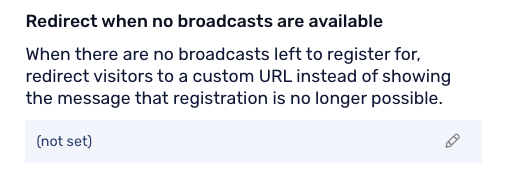
Your registration page doesn't have to lose its value once your webinar has ended. You can now redirect it to a different URL when there's nothing left to register for.
Instead of showing an empty page, you can send visitors somewhere useful, like your next webinar, a related page, or an on-demand Channel. It's a small change that keeps your registration page working for you long after the live event.
Benefits:
Redirect visitors when there's nothing left to register for
Guide people to your next webinar or a relevant page
Get more value from your registration page after your event
Match your branding with exact color codes
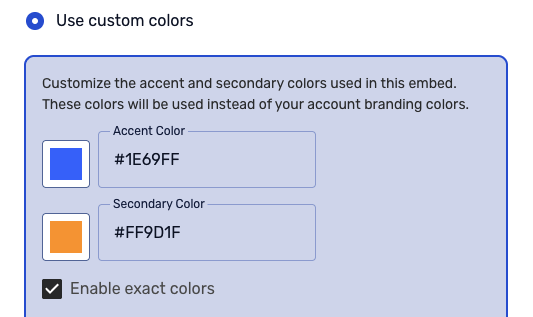
You've always been able to give us two color codes and let us generate a branding scheme for your webinars. You can now also provide exact color codes, so your webinars match your brand more precisely.
This gives you more control when your brand guidelines call for specific colors, without losing the option to generate a scheme automatically when you prefer.
Benefits:
Provide exact color codes to match your brand
Keep the option to generate a scheme automatically
Create a more consistent look across your webinars
Filter pre-submitted Q&A questions
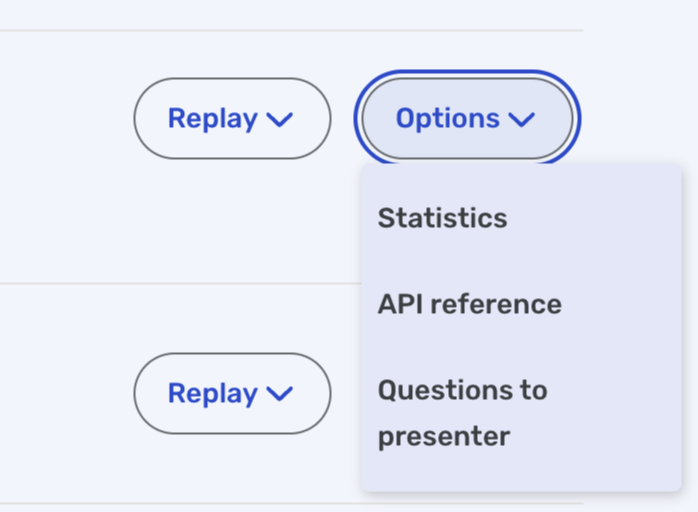
You can now filter the questions your attendees submit before your webinar. You decide which pre-submitted Q&A questions to show and which to hide.
This helps you prepare your Q&A in advance and keep it relevant, so you can focus on the questions that matter most to your audience during your session.
Benefits:
Review pre-submitted questions before you go live
Show the questions that are relevant to you
Hide questions you don't want to display
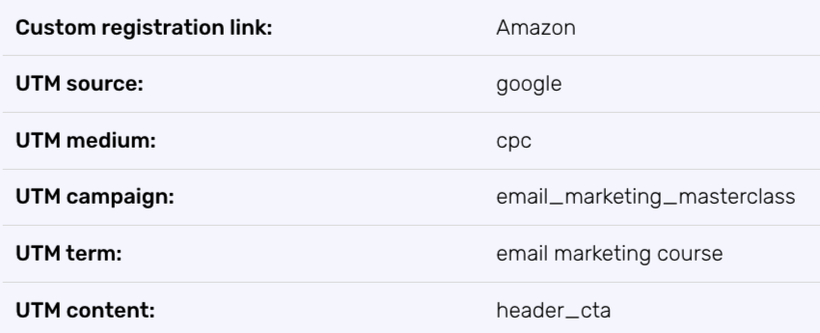
Full support for UTM tags
We now provide full support for UTM tags, so you can better track the success of your marketing campaigns across webinars.
By adding UTM parameters to your links, you can see which channels and campaigns drive your registrations. This makes it easier to understand what's working and where to focus your marketing efforts.
Benefits:
Track which campaigns and channels drive your registrations
Compare marketing performance across webinars
Make more informed decisions about where to focus your budget
Want to see these updates in action?
Join our next Product Update webinar on August 19. We'll walk you through these new features, show you how they work, and share a sneak peek of what's coming next.
Product Update Webinar on August 19 @ 2 PM
Save my seatRelated articles
Product Update: Recurring webinar subscribers, Q&A moderation, AI Assistant and Calls to Action
Discover WebinarGeek's latest updates: subscribe contacts to recurring webinar dates, moderate Q&A before questions go public, use the AI assistant on on-demand webinars, and add calls to action while you're live.
Product update: Channels, polls and AI Assistant improvements
Discover the latest WebinarGeek updates, including improved Channels, open-ended poll answers, easier registration embeds and AI Assistant upgrades.
Product Update: New Calls to Action, Restreaming and more
Discover WebinarGeek’s latest product updates, including improved Calls to Action, external conversion tracking, editable speaker notes, and webinar restreaming.