
Product Update November: Breakout Rooms, Webinar Embed and Smarter Statistics

Caroline
03 November 2026 - 3 min
What do breakout rooms, webinar embed and better statistics have in common? They're all part of this month's product update. We walk you through the highlights in the video below, and you'll find a quick summary of every feature right here.
Breakout Rooms
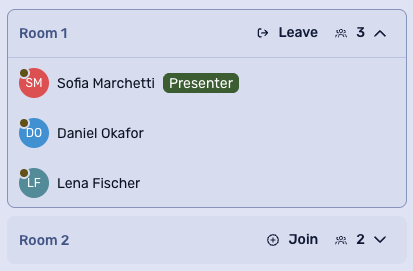
Sometimes the best conversations happen in a smaller group. With breakout rooms, you can split your attendees into small discussion groups during a live webinar. Give them an assignment, let them brainstorm together, and bring everyone back to the main webinar when you're ready.
Breakout rooms work great for training sessions, workshops, team building and any webinar where you want people to talk, not just listen.
Webinar Embed
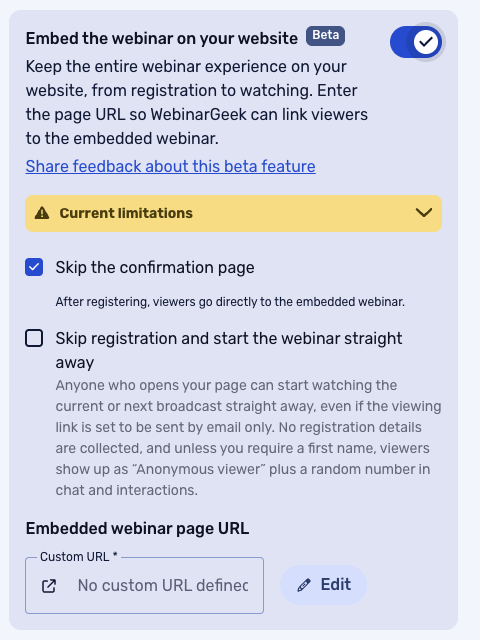
This one has been on a lot of wish lists. With webinar embed, you can run your on demand webinars right on your own website. Your viewers watch your webinar in the place you want them to end up anyway, so they're already in your house when they click your call to action.
For now, webinar embed works for on demand webinars. Support for live webinars is coming, so keep an eye on our next product updates.
Pause Your Screen Sharing
We've all been there. You're sharing your screen and you need to do something quickly behind the scenes, like uploading a new presentation or opening another file. You can now pause your screen sharing and restore it with a single click.
Your viewers won't notice the switch, and your webinar keeps flowing while you sort things out.
Filter Your Email Lists on Custom Fields
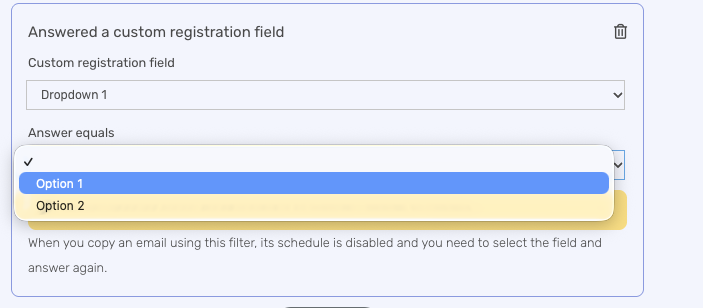
You can now filter your email lists on custom fields, so it's easy to split your attendees into segments. Fill a custom field, filter on it and send each group a follow-up email that fits them.
Think of a different follow-up for people who asked for a demo, or for attendees from a specific team or region.
Email Statistics in the API
WebinarGeek already collects plenty of statistics on your emails. You can now pull that data through our API and send it to the platform you work in, like your CRM. That way you have all your numbers in one place to plan your marketing and follow-up.
Prerequisites for Webinar Series
Running a course or a learning path? With prerequisites, a viewer has to watch the previous webinar in your series completely before they can move on to the next one. That makes sure everyone goes through step A, B and C in the right order. Available today.
Updated UTM Statistics
We've updated the UTM statistics in your analytics. You get a clearer view of which channels bring in your registrations, which links get clicked during your webinars and how your registration process performs. Use it to see what works and fine-tune your marketing and follow-up.
Aggregated Statistics
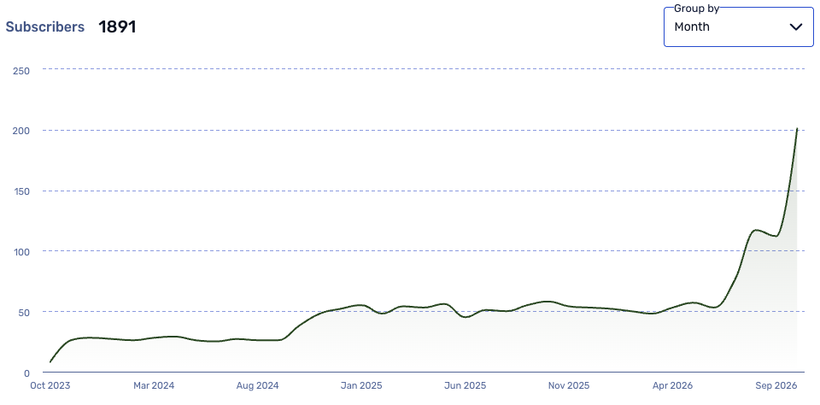
Last but not least: aggregated statistics. Instead of checking webinar by webinar, you now get an overview of how all your webinars are performing. It's handy when you want to share results with your manager, or simply see for yourself what to improve in your webinar strategy.
See It Live at the Next Product Update Webinar
Want to know more about these features and what's coming next? Join our next Product Update webinar on 11/18/2026 at 2:00 pm CET. We'll walk you through everything in detail and answer your questions live.
Product Update Webinar on November 18 @ 2 PM
Save my seatRelated articles
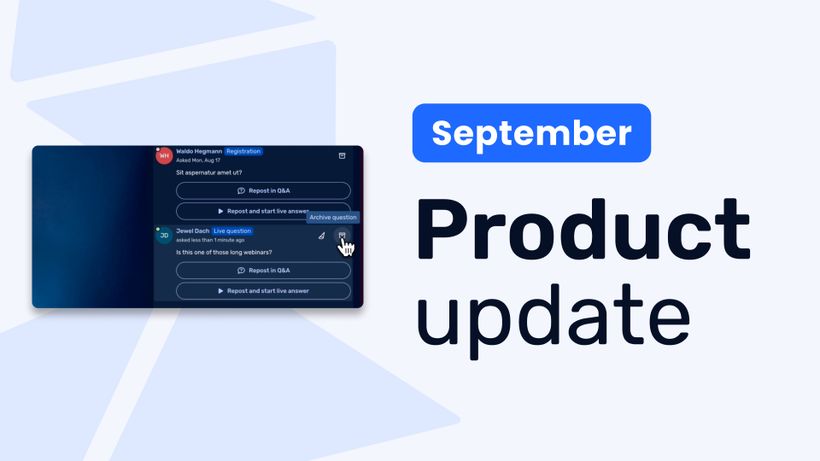
Product Update: Recurring webinar subscribers, Q&A moderation, AI Assistant and Calls to Action
Discover WebinarGeek's latest updates: subscribe contacts to recurring webinar dates, moderate Q&A before questions go public, use the AI assistant on on-demand webinars, and add calls to action while you're live.
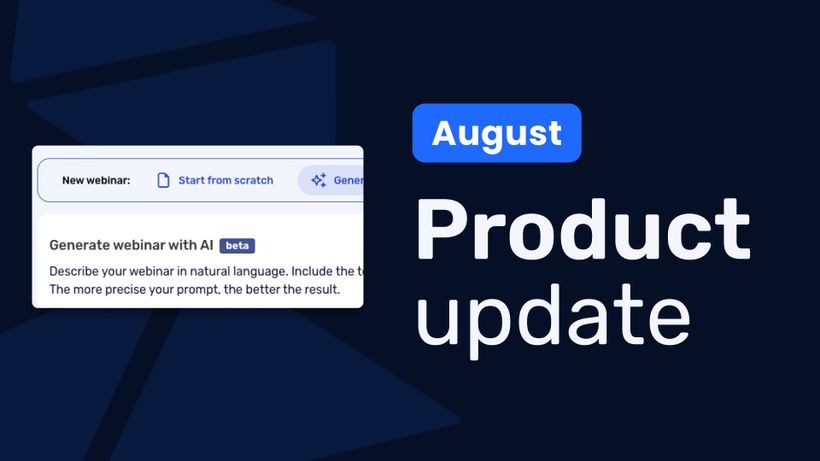
Product update: AI webinar creation, Q&A filtering and UTM tracking
Discover WebinarGeek's latest updates: build a webinar from a text description, filter pre-submitted Q&A, redirect your registration page, use exact brand colors, and track campaigns with UTM tags.
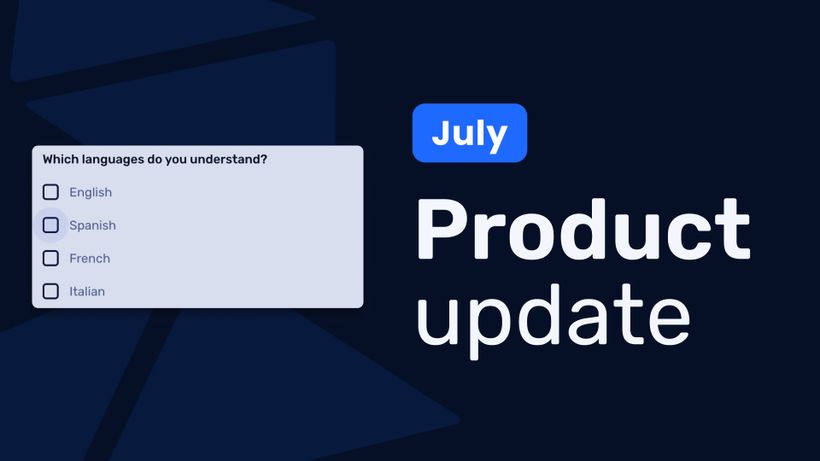
Product update: Channels, polls and AI Assistant improvements
Discover the latest WebinarGeek updates, including improved Channels, open-ended poll answers, easier registration embeds and AI Assistant upgrades.