
Technical Checklist
Hosting a webinar for the first time can be an exciting experience. Fill in your email address and receive this checklist to see if you are ready!
What to read next?
The checklist makes sure your tech is ready. These blogs help you look and sound professional on camera, without a big budget.
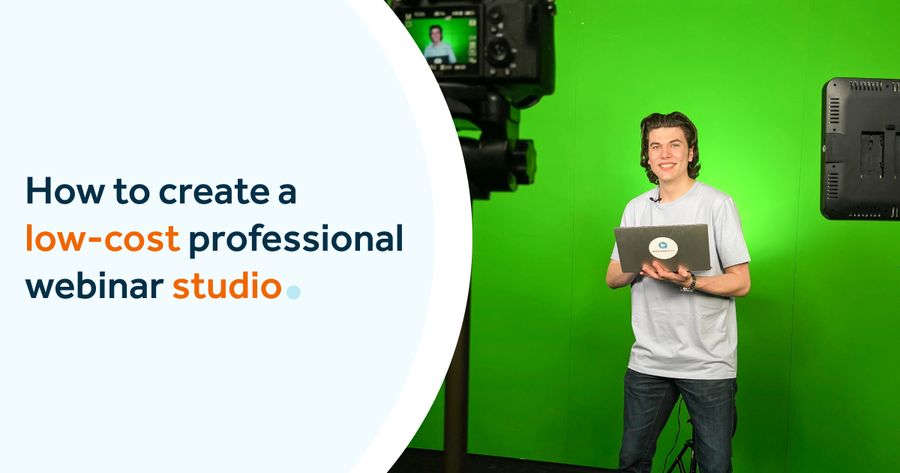
Build a professional setup on a budget
A polished webinar doesn't need an expensive studio. This blog walks you through affordable choices for lighting, audio and camera, so your setup looks professional from your very first session.
Read now
Use your phone as a webcam
Your smartphone camera is often sharper than a built-in laptop webcam. This article explains how to connect your phone and use it as a webcam for a clearer picture in your webinars.
Read now


