
Product update August 2021

Pam
03 September 2021 - 5 min
It's time for another product update! This one is going to make you happy for sure. We've added a lot of interesting features to take your webinars to the next level. Link the ConvertKit integration directly to your account, check out the improved webinar channel, and perhaps the best of all: upload your videos for video injection directly into WebinarGeek!
Upload video injections directly into WebinarGeek
If you want to show a video during your webinar, you use the video injection. In advance, you set up a video to play during the webinar. First, it was only possible to add a video with a YouTube link, but now you can also upload a full webinar or small clip directly into WebinarGeek. If you want to play your own video, you no longer have to upload it to YouTube first to get a link. Your hybrid webinars are taken to the next level! First, play a video (without YouTube branding!) and then host a live Q&A in the same webinar. Goodbye hassle!
Style your channel to your own taste
The channel has been around for a while but has now been completely revamped. You place a channel on your website with an embed code. All your webinars are then listed in one place. Everyone who visits the page can immediately subscribe to the webinar. You change the channel colors to match your corporate identity or website. To match it even more with your branding, you can even add a header. Potential viewers register for your styled channel with a few clicks and get an update when there is a new webinar.
Integrate ConvertKit
Many integrations are already connectable through Zapier, however the most convenient is when it can be done directly with WebinarGeek. Are you using ConvertKit? Well, then we've got some news for you! You can now connect this integration to your account. With ConvertKit you can, among other things, add viewers directly to your customer base and send your own mailings. You simply connect the integration via the API Key. With this tool, you have another opportunity to automate your workflow.
Related articles
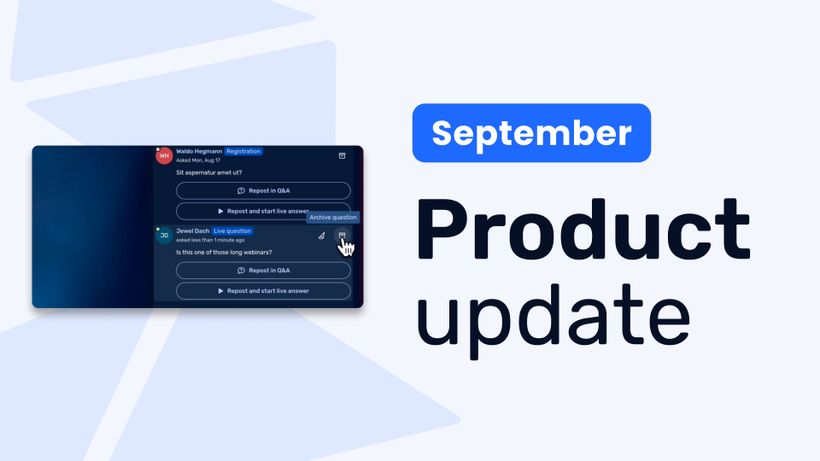
Product update: Recurring webinar subscribers, Q&A moderation, AI Assistant and Calls to Action
Discover WebinarGeek's latest updates: subscribe contacts to recurring webinar dates, moderate Q&A before questions go public, use the AI assistant on on-demand webinars, and add calls to action while you're live.
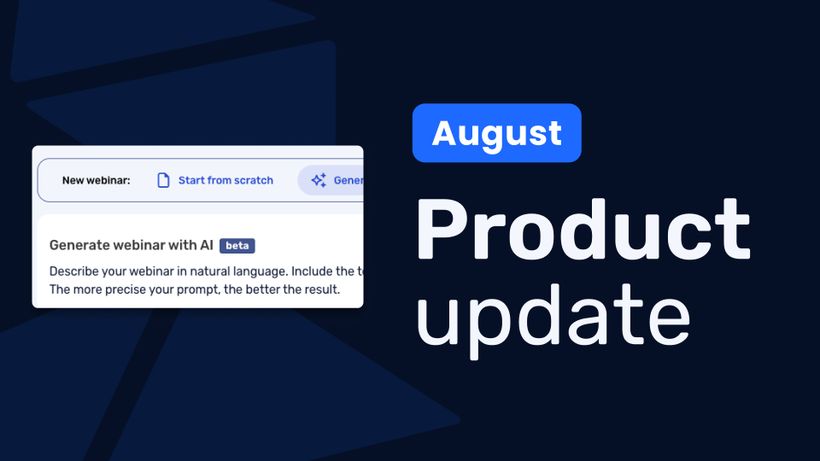
Product update: AI webinar creation, Q&A filtering and UTM tracking
Discover WebinarGeek's latest updates: build a webinar from a text description, filter pre-submitted Q&A, redirect your registration page, use exact brand colors, and track campaigns with UTM tags.
Product update: Channels, polls and AI Assistant improvements
Discover the latest WebinarGeek updates, including improved Channels, open-ended poll answers, easier registration embeds and AI Assistant upgrades.