
WebinarGeek Blog
Geek's picks
- 01
Product update: AI webinar creation, Q&A filtering and UTM tracking
30 July 2026 - 3 min
- 02
How Many Reminder Emails Should You Send Before a Webinar?
06 July 2026 - 4 min
- 03
Product Update: New Calls to Action, Restreaming and more
01 June 2026 - 3 min
- 04
Built to Grow: Why We Rebranded WebinarGeek for the Next 10 Years
02 February 2026 - 3 min
Browse by Category
Webinars
View all in webinars
How to Build a Webinar Funnel That Converts
Most webinar funnels fail because the stages don't connect. Learn how to build a webinar funnel, from registration page to follow-up, that actually converts.
8 Audience Engagement Tactics That Stop the Drop-Off
You can feel the exact second a webinar starts losing people. The chat slows down. Cameras go dark. Attention moves somewhere between another tab and a phone screen. That drop-off doesn’t happen because your topic lacks value. It happens because audience engagement wasn’t built into the experience. That is exactly what we are going to fix here. You will see 8 audience engagement strategies that focus on what you do when attention starts to slide, not what you planned an hour earlier

Built to Grow: Why We Rebranded WebinarGeek for the Next 10 Years
Why we rebranded WebinarGeek. From accessibility and modularity to a future-proof brand system built to grow with our product and users.
AI x Webinars
View all in AI x Webinars
How to Use AI in Your Webinars: A Practical Guide
AI can support every stage of the webinar process, from writing your script to generating transcripts and personalizing your follow-up. The key is using it where it saves the most time so you can put your energy into what matters most: delivering a webinar your audience will remember.
The AI Webinar Workflow: From Blank Page to Promoted Webinar
See the exact AI workflow behind building a WebinarGeek webinar, from outline and slides to live hosting, automatic follow-up, and promotion, step by step.

Best AI Webinar Software in 2026: 7 AI-Powered Platforms Compared
Looking for the best AI webinar software? Compare the top AI-powered webinar platforms of 2026, including WebinarGeek, Zoom Webinars, ON24, Demio, and more.
Product updates
View all in product updates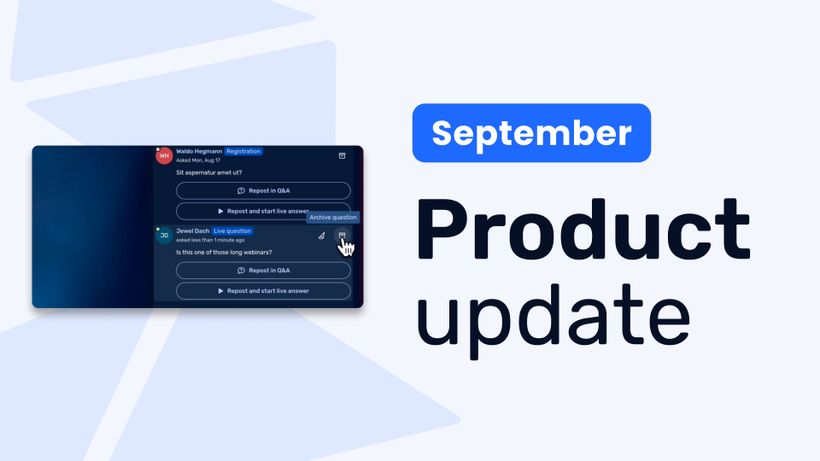
Product update: Recurring webinar subscribers, Q&A moderation, AI Assistant and Calls to Action
Discover WebinarGeek's latest updates: subscribe contacts to recurring webinar dates, moderate Q&A before questions go public, use the AI assistant on on-demand webinars, and add calls to action while you're live.
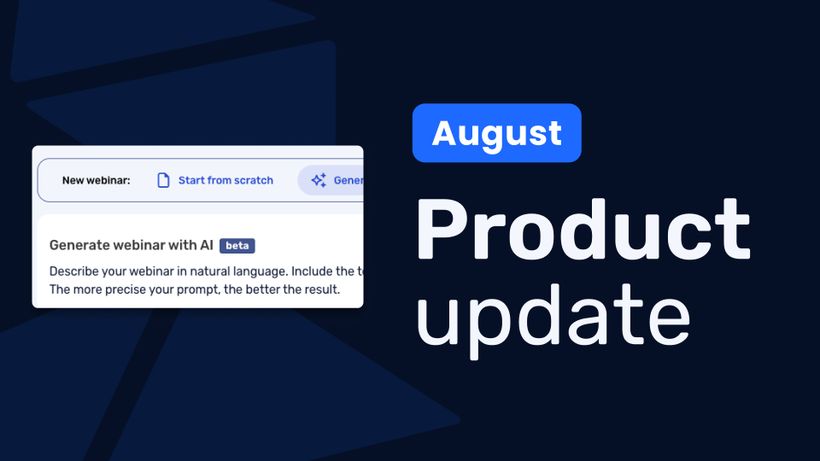
Product update: AI webinar creation, Q&A filtering and UTM tracking
Discover WebinarGeek's latest updates: build a webinar from a text description, filter pre-submitted Q&A, redirect your registration page, use exact brand colors, and track campaigns with UTM tags.
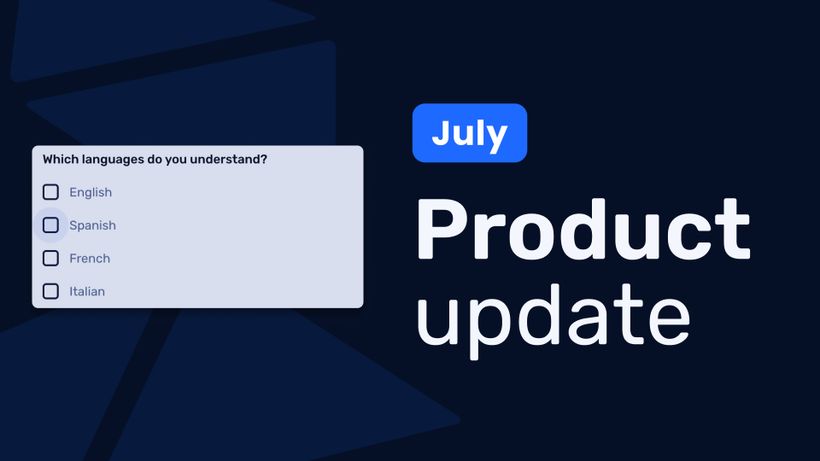
Product update: Channels, polls and AI Assistant improvements
Discover the latest WebinarGeek updates, including improved Channels, open-ended poll answers, easier registration embeds and AI Assistant upgrades.
Marketing
View all in marketing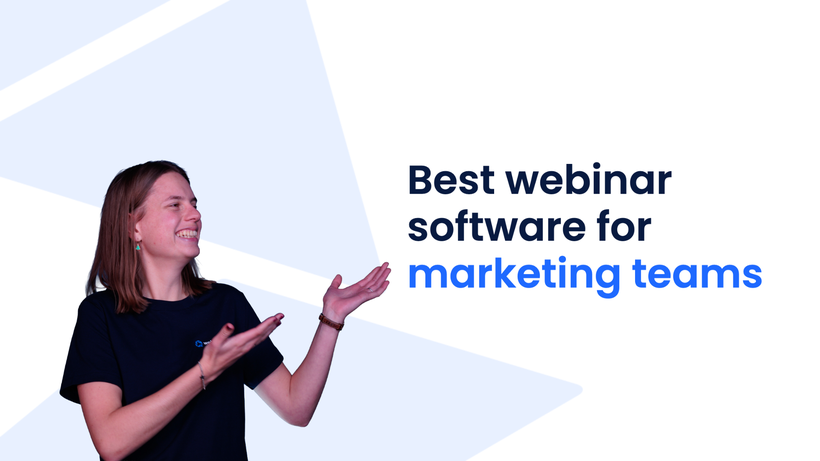
Best Webinar Software for Marketing Teams
Marketing teams need more than a meeting tool. Here's how Livestorm, Demio, Zoom, ON24, and WebinarGeek compare on registration, email automation, CRM integrations, and GDPR compliance.
How to Convert B2B Webinar Attendees Into Real Pipeline
Two hundred people registered. Eighty actually showed up. Sales sent a follow-up to all eighty the next morning. Three replied. If you run B2B webinars, you've probably lived a version of this. The gap between attendance and pipeline usually gets blamed on bad follow-up. Most of the time, it isn't. More often, it’s a webinar follow-up problem.
How Many Reminder Emails Should You Send Before a Webinar?
One marketer went from 30% to 62% webinar attendance, not by sending more reminders, but by changing what the emails were for. Here's the data-backed sequence.
Production
View all in production
Preventing and managing technical issues during your online event
Hosting online events can be exciting, but let’s face it: technical issues can sneak up on you, and that’s the last thing you want. So how can you prevent and manage those issues? In this blog, we’ll walk you through how to stay calm, focused, and professional while delivering a seamless experience for your audience.
The Ultimate Guide for the Best Tech Equipment to Host Webinars
Are you looking for a way to host professional-looking webinars without having to invest in an expensive webcam? This is how you can use your phone camera as a webcam.
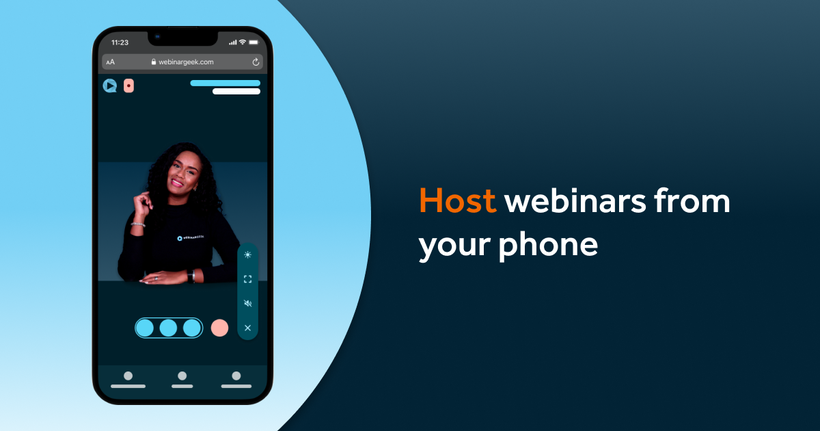
Broadcast a webinar from your mobile phone
Gone are the days when you needed a fancy studio, high-end equipment, or even a desktop computer to host a webinar. Now, all you really need is your mobile phone! Yes, that little device in your pocket can do way more than just send texts or scroll through memes.